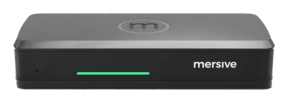
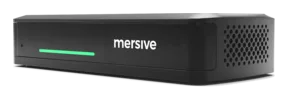
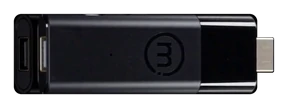
Make acquaintance of Mersive Polaris: screen sharing without wires from any browser.
One platform maketh every display a shared workspace: joined from a browser, careless of BYOM and of client, governed from one cloud.
Glass. Workspace. Cloud.
Three layers, one platform: the display rendereth, the workspace composeth, the cloud joineth and governeth. Open any layer for the depth in plain speech.
- JoinDevices call out unto Polaris Cloud, which doth authenticate them, resolve the screen key, and trade SDP and ICE.
- ConnectThe cloud doth make introductions and then stand aside. Media travelleth on direct links to the pod: within the room it never leaveth the building, and from without it never toucheth a VPN.
- ComposeShares alight side by side upon the display as one workspace, and that selfsame workspace rendereth live in the browser for all who are not in the room.
Layer 1 · within the roomThe glassAny display becometh a Polaris endpoint: meeting room, classroom, lobby wall.
+ more
The display ceaseth to be a place thou cablest into and becometh a target for rendering: the Polaris device behind it draweth whatsoever the workspace biddeth it draw.
- Any display will serve. The panel thou already ownest, driven by a Polaris device behind it: no smart-panel firmware to lean upon, no displays matched to a vendor.
- In Polaris Pro rooms, the AV plugs in here. Camera and mic are cabled to the Pro device, that meetings may borrow them without wires.
- Idle displays labour still. When none is sharing, the selfsame display runneth signage, governed from the selfsame portal. Signage →
Layer 2 · the unit of labourThe workspaceEvery share, side by side, composed live, fed from any device, within the room or afar.
+ more
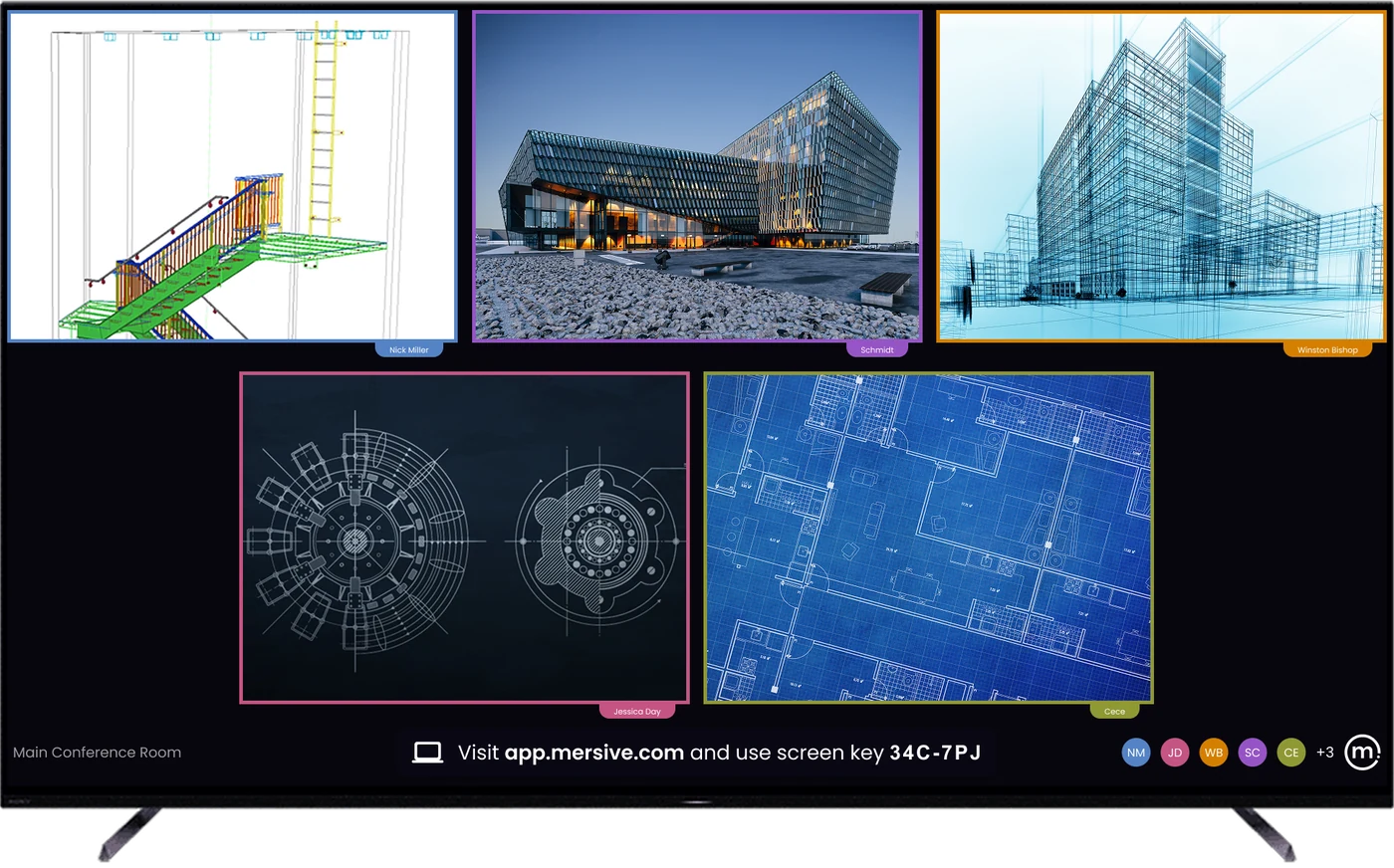
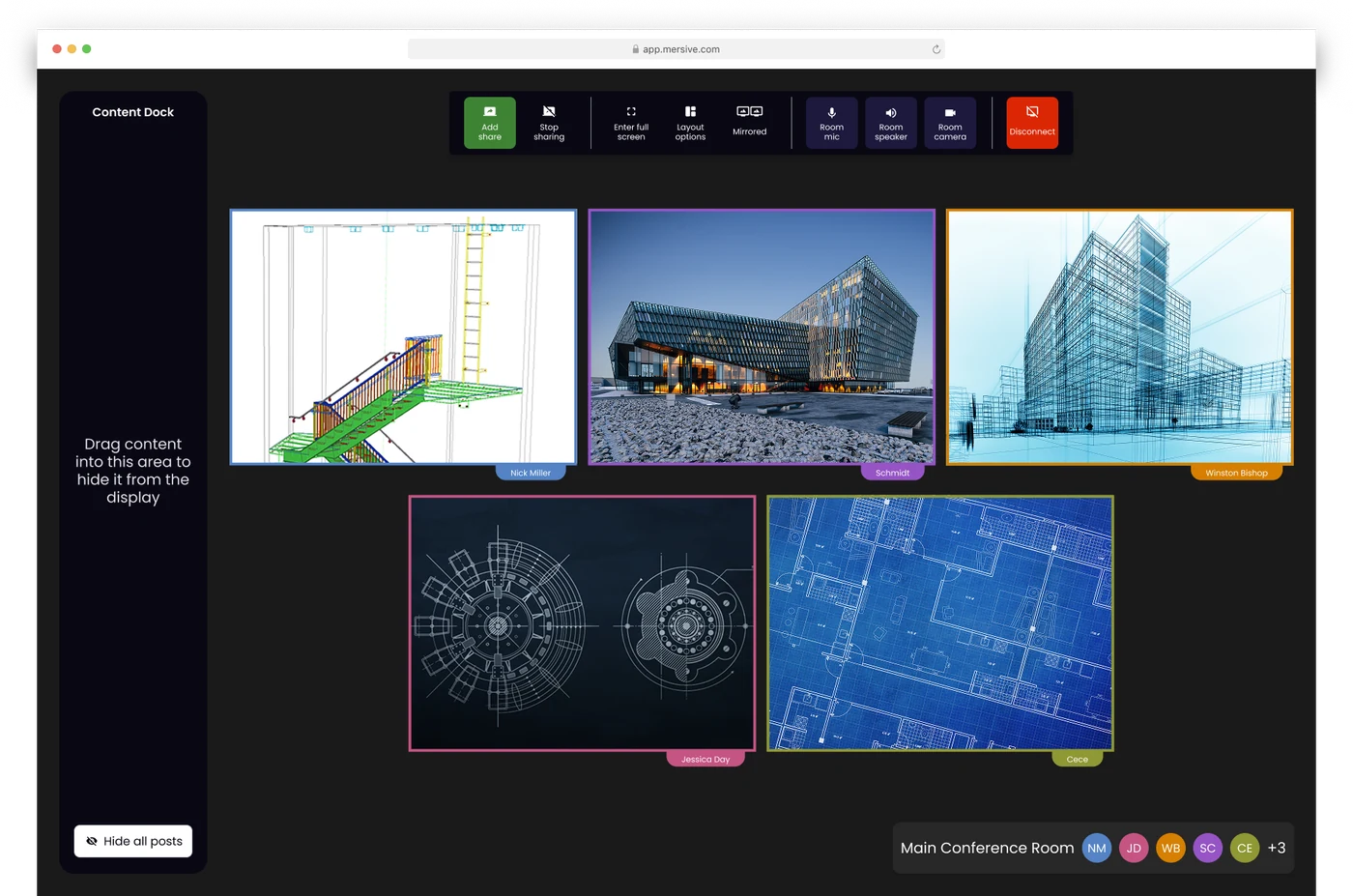
The workspace is what maketh the display worth beholding: not one mirrored screen but a composed canvas of sources at once, mirrored live unto every participant signed in at app.mersive.com.
- Many sources, live. A deck from a laptop, a guest's browser tab, pictures from a phone, a dashboard from another building: side by side, rearranged from the Dock.
- Any device may feed it. Native share or web-join from the browser; sources from other networks arrive by way of sharing across networks.
- It belongeth to the room. The workspace is rendered by the room's Polaris hardware, not by whichever laptop chanceth to be open, so to shut a lid endeth not the meeting; it but removeth the content from that device, whilst all else abideth exactly where it was.
Layer 3 · high above the fleetThe cloudIt routeth every workspace and governeth every room: one plane of administration for the whole fleet.
+ more
Polaris Cloud doth two labours: it introduceth sessions (the signalling whereby endpoints find each other across networks) and it runneth the fleet, which is the governance of conference rooms for every room and screen thou ownest.
- The brokering of sessions. Devices and displays find each other through the cloud; traffic upon the same network abideth on thy LAN; traffic across networks floweth over a WebRTC direct, encrypted connection the cloud did negotiate.
- Governance of conference rooms. Configuration in bulk, templates by kind of room, firmware in stages, analytics and alerts of health, for meeting rooms and signage alike, from one login. Polaris Cloud →
- What it doth not. Store thy workspace's content. The candid tale of the data's path dwelleth in the Trust Center.
How to share thy screen from a browser
To share from the browser requireth no app, no downloading, no installs nor admin rights; thou sharest unto the room display from a browser tab. A guest newly walked in may share, and there is no client to package, approve, patch, or govern.
Four steps, and no software at all:
Web-join worketh upon any device with a current browser, Chromebooks and locked-down loaners withal. Phones share through the Mersive app or a native protocol.
The 6-character key is upon the display. Every key is unique the whole world over and expireth ten minutes after 'tis issued.
Thy share alighteth in the workspace beside everyone else's, composed live, not made to queue behind a presenter.
Layout, participants, handoff, end of meeting: the room's controls dwell in the selfsame browser tab whence thou didst join.
Web share is the front door. 'Tis not the only door.
The workspace taketh whatsoever the room bringeth. Web-join is the foremost path, but native casting and the Mersive mobile apps alight upon the same display, and they all compose together.
The browser share: no install, across networks, proof against guests. The foremost path.
Share and command from the phone within thy pocket. iOS & Android.
An HDMI source joineth the workspace as a tile by default. Direct bypass taketh the glass full screen and keepeth that feed within the room.
Apple's own sharing: no Mersive software upon the device.
Windows' own sharing, straight from the OS.
Chromecast from Chrome and Android: the Chromebook classroom's native road.
All behold what the display showeth.
Parity in meetings (what remote participants see): every source shared into the room is delivered to all who joined at app.mersive.com, and the layout travelleth with it. Order, focus, full screen and position keep in step, for the room and every browser run the selfsame layout code.
So a distant seat reproduceth what the display showeth at its own screen's resolution, not watching a video of the room's screen. No craning at the display, no "canst thou share that anew," no seats of the second rank.
Polaris Pro hath two modes of wired HDMI input, chosen by the room's administrator. Workspace tile is the default: the input joineth the workspace beside the wireless shares and is seen by remote participants. Direct bypass (full-screen pass-through) sendeth the input straight unto the room display, outside the workspace. Remote participants receive not that feed.
Where a panel endeth and the room's silicon beginneth.
A workspace is a problem of composition: a roomful of folk sharing at once meaneth many decode sessions at once, rendered into one layout, and to bridge thy meeting to the room's AV addeth real-time encoding atop.
That requireth silicon built for the purpose, not a display's idle cycles.
Some 5 shares at once upon Essentials and 10 upon Pro. 'Tis a ceiling of memory upon the chassis, not a licence: naught in the software counteth sources or refuseth one, so the limit is what the silicon can hold, and the two tiers run the selfsame code.
What this purchaseth thee in the room: a panel's composite abideth upon its own glass; Polaris encodeth the whole meeting out unto every participant, and Polaris Pro keepeth headroom enough in encoding to hand the room's camera and mic to thy Teams, Zoom, Webex, or Meet call.
Weighest thou Polaris? Begin with these four readings.
Sharing across networks
Content crosseth subnets, VLANs, and the internet: no VPN, no UC call. Of the twelve rivals we examined in August 2026, but one documenteth a like path beyond the LAN, and it requireth two ranges of ephemeral ports, XMPP and STUN/TURN/ICE, with signalling hosted in Azure West Europe. The other eleven document media upon the LAN alone.
The flagship's deep study →The architecture of security
The chain of trust, the network's posture, and the policy of updates: the ten-minute reading thy security team truly desireth. Naught behind a gate.
Unto the Trust Center →Where meetings do dwell
Two questions sort every room e'er built. This grid is the map, and Polaris is the only platform we know of that holdeth all three agnostic models.
Where meetings do dwell →Hybrid meetings
BYOM today, hosted-BY-the-room anon: how the meeting leaveth the laptop for good, with native clients, chosen for each meeting.
The hybrid kin →Also: the 10-year platform and its constants · the table of tiers · Polaris Cloud · the 10-year reckoning
Behold the platform live.
Hardware trials ship for every ware, direct from Mersive. When the rooms have proved it, we shall present thy regional partner for the rollout.
Begin a trial Watch upon YouTube ↗