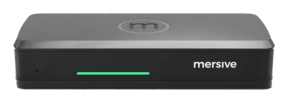
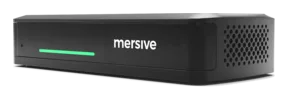
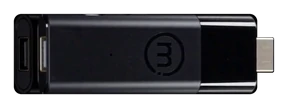
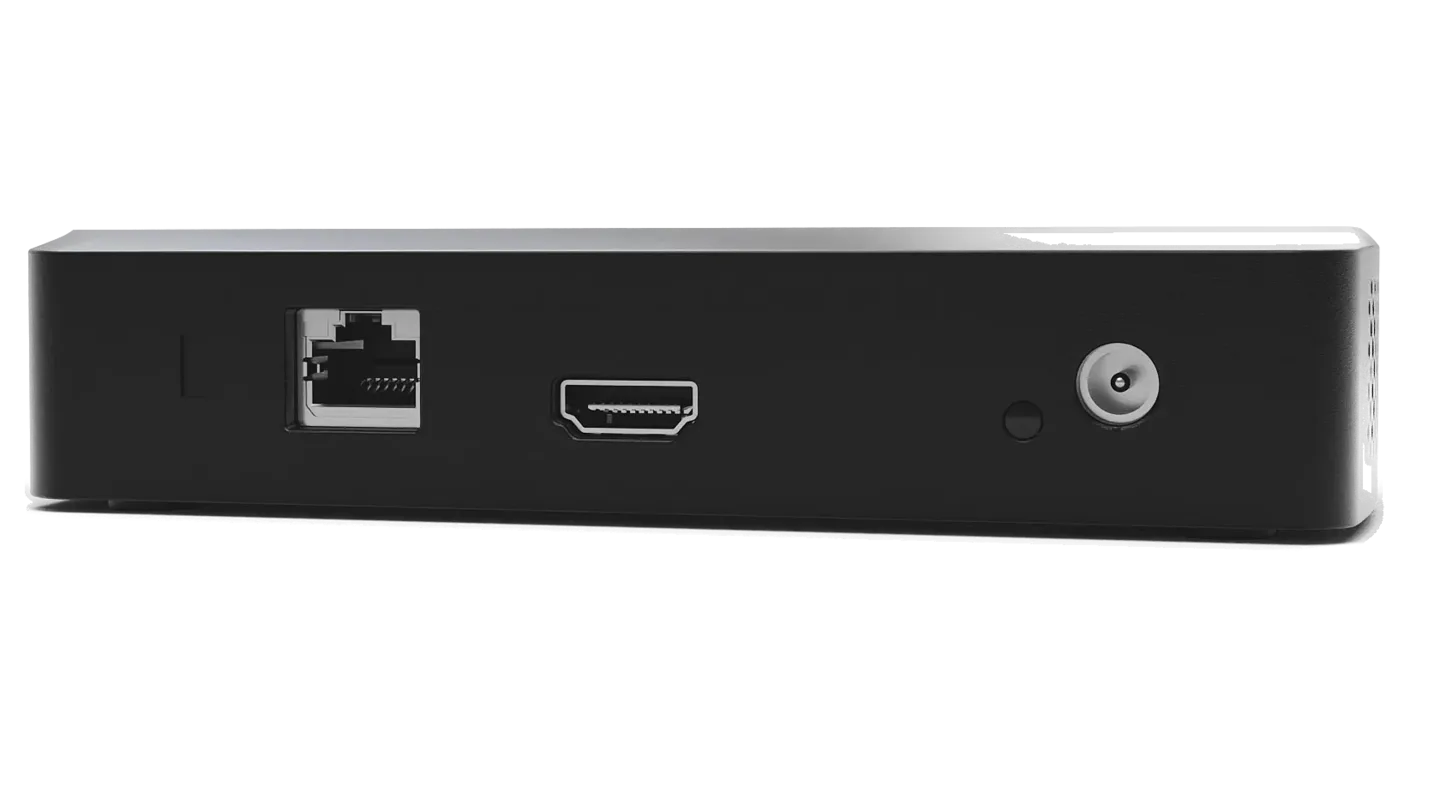
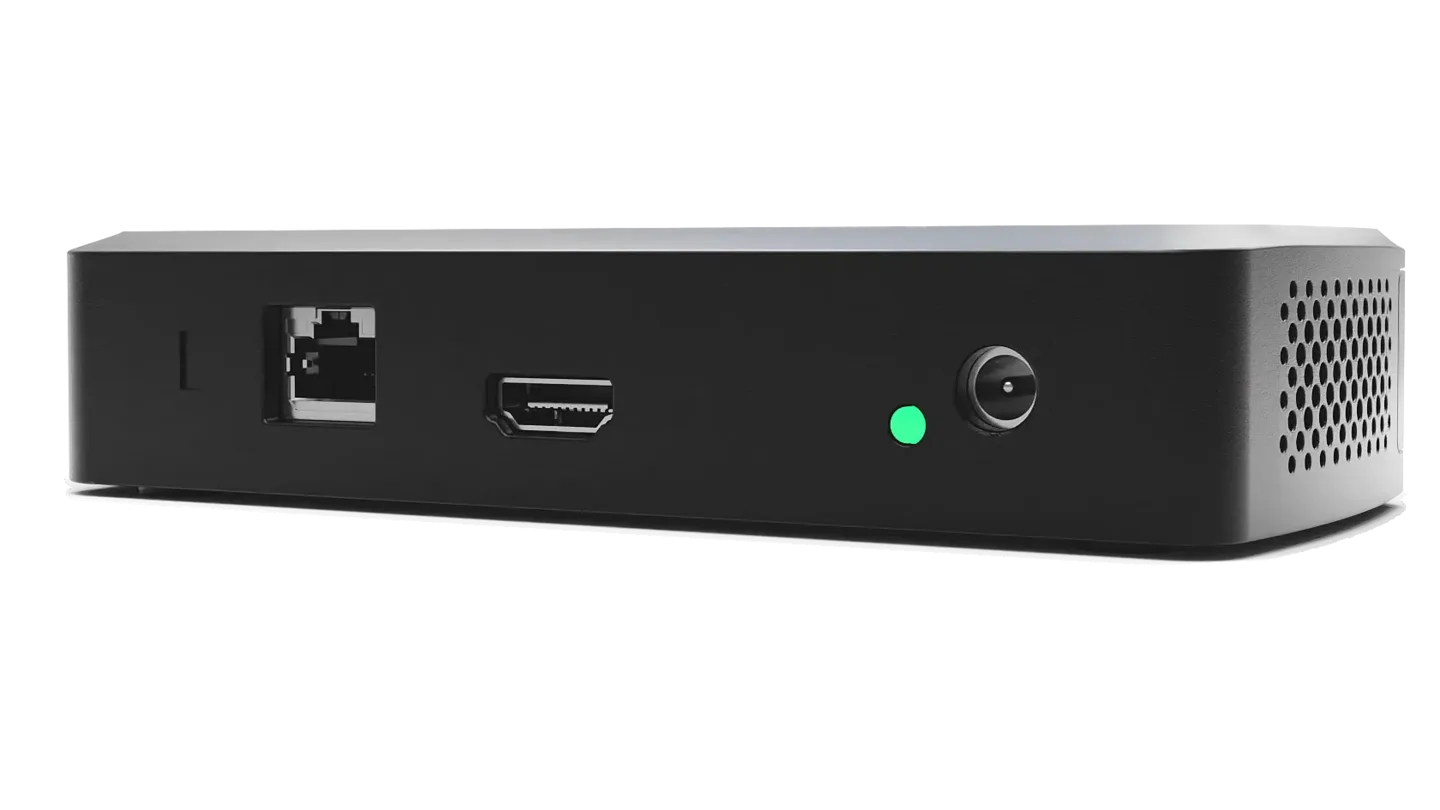
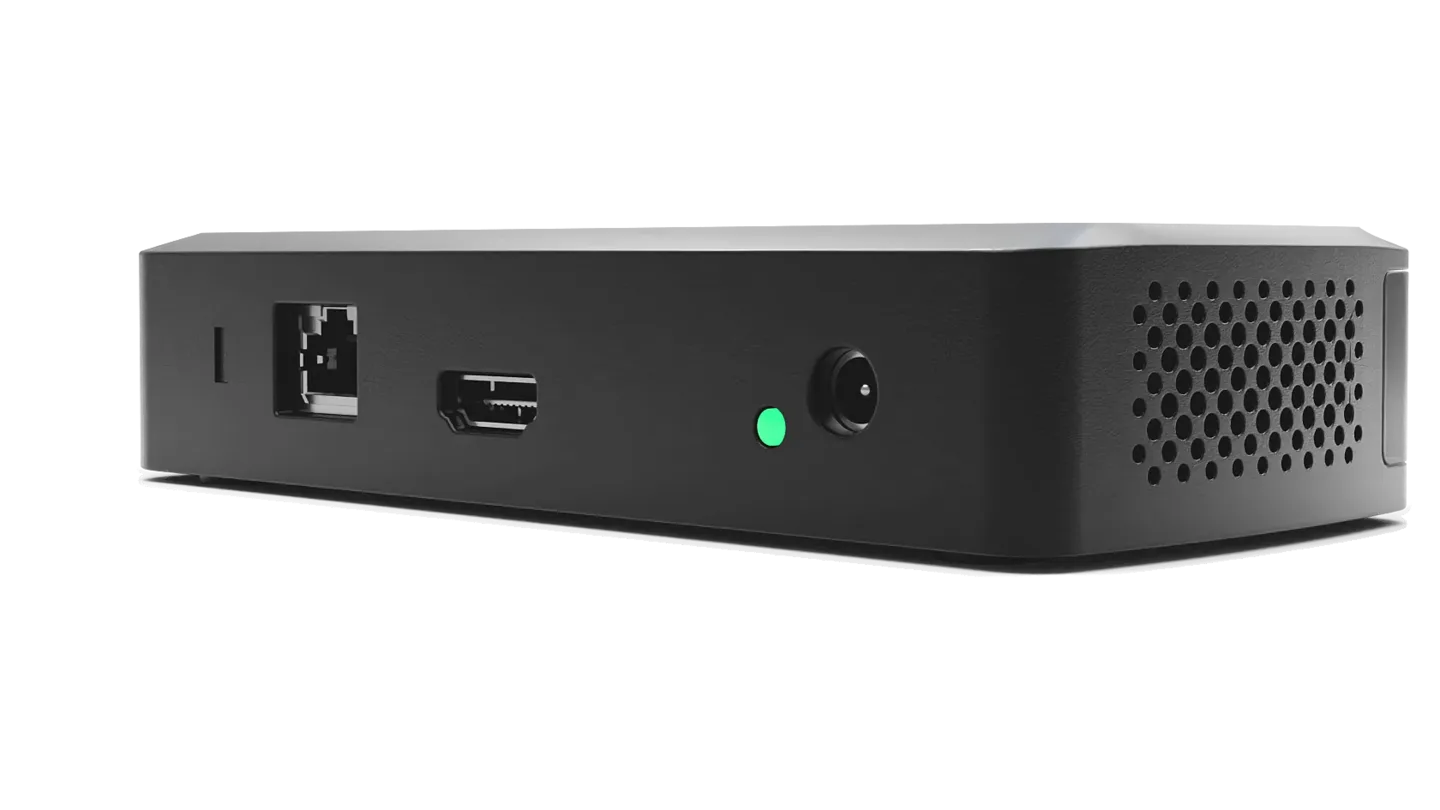
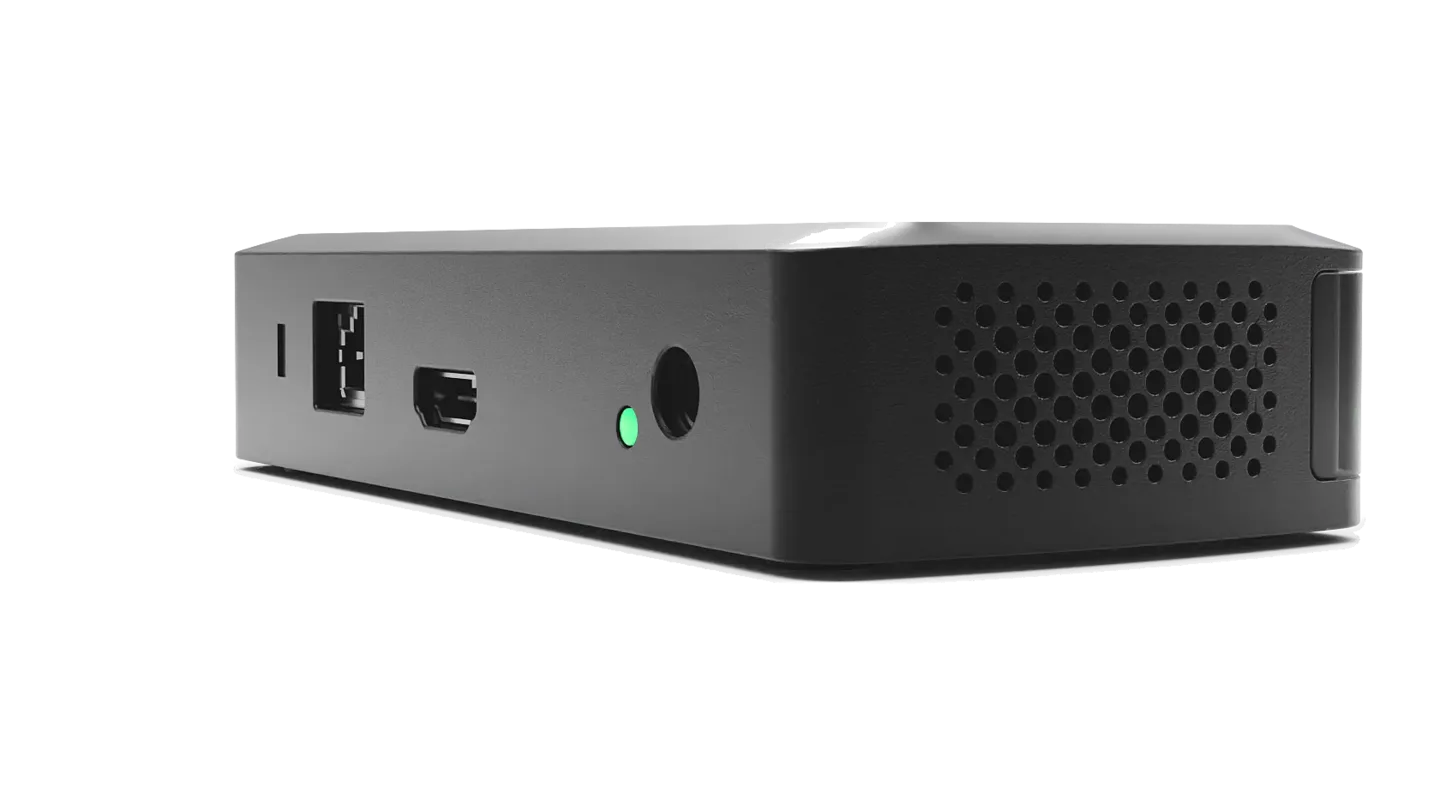
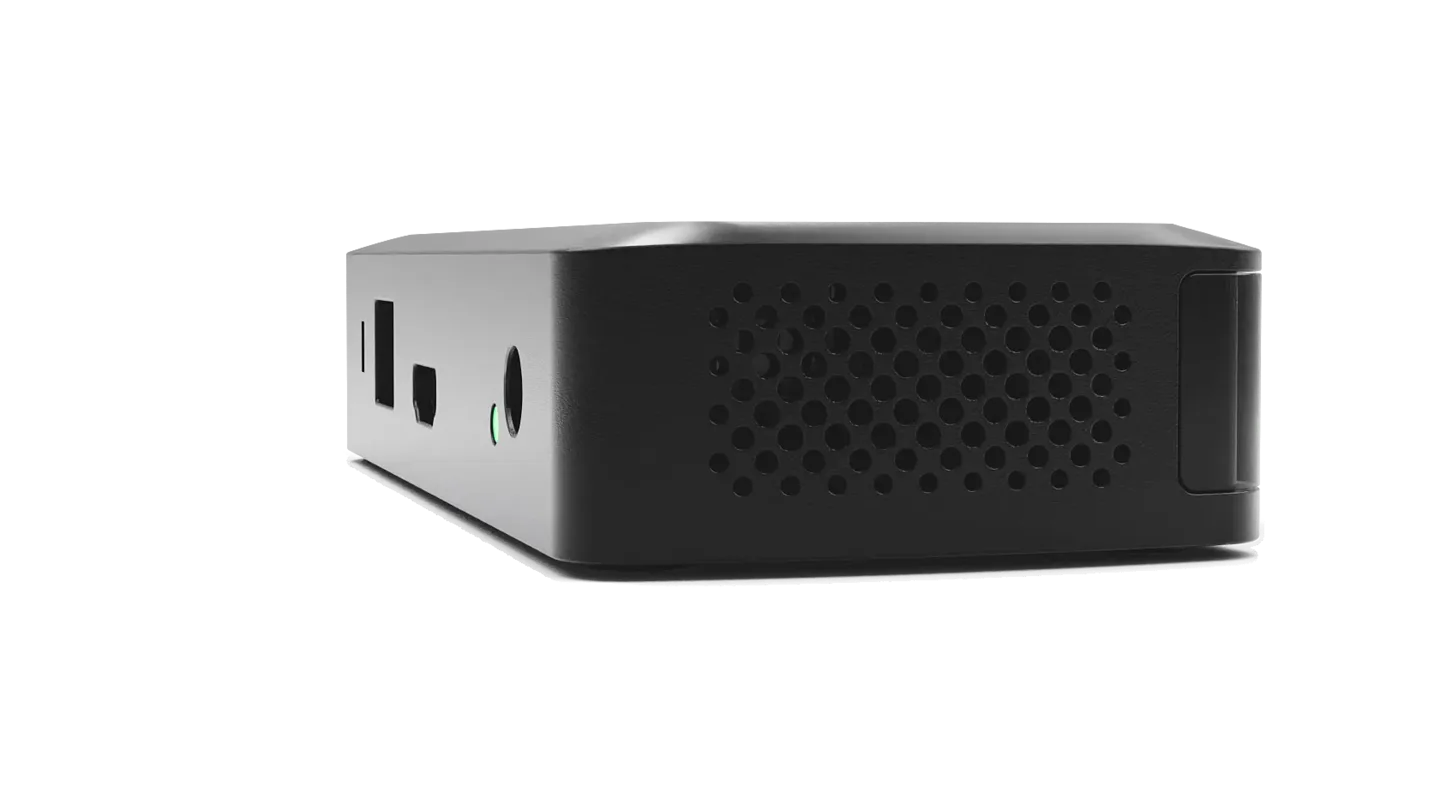
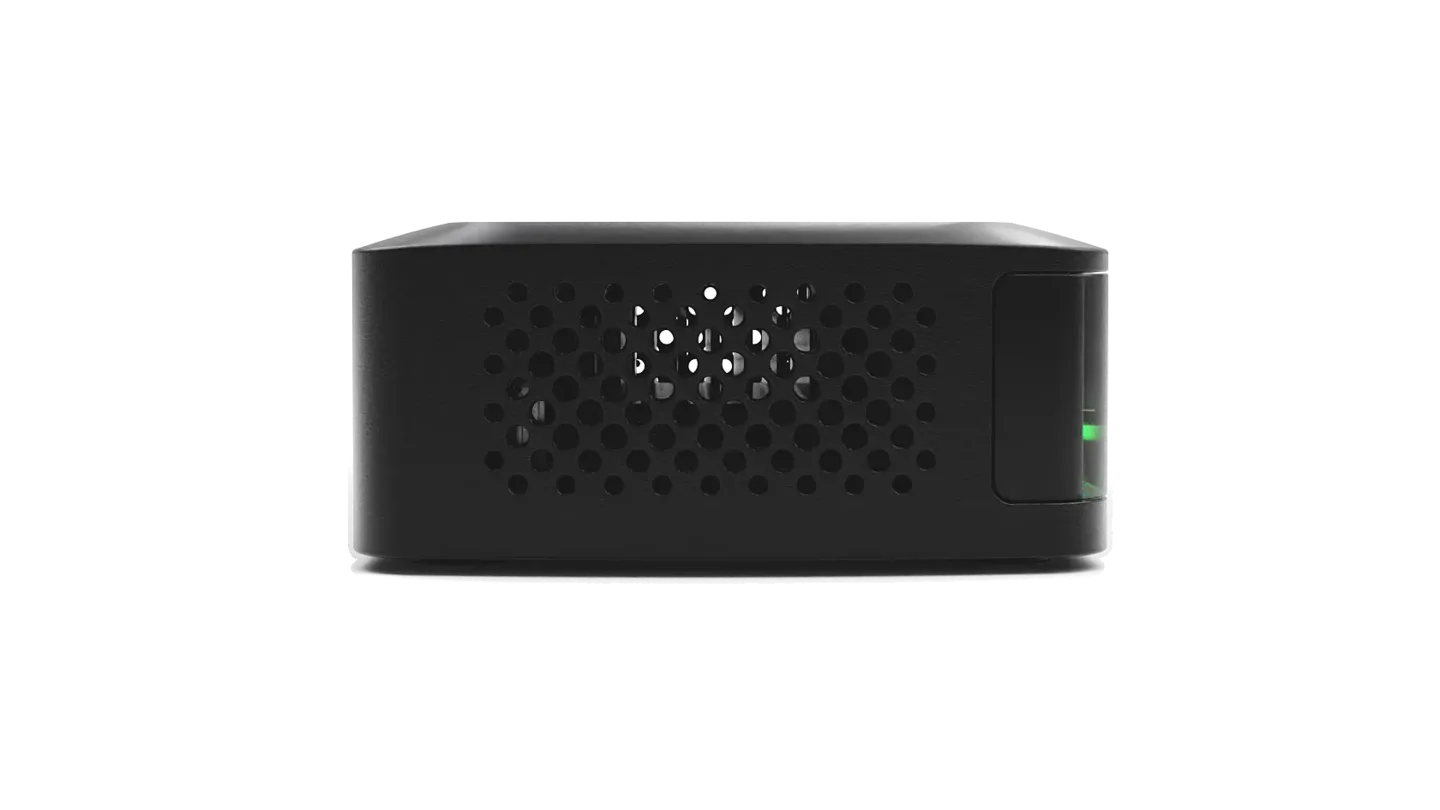
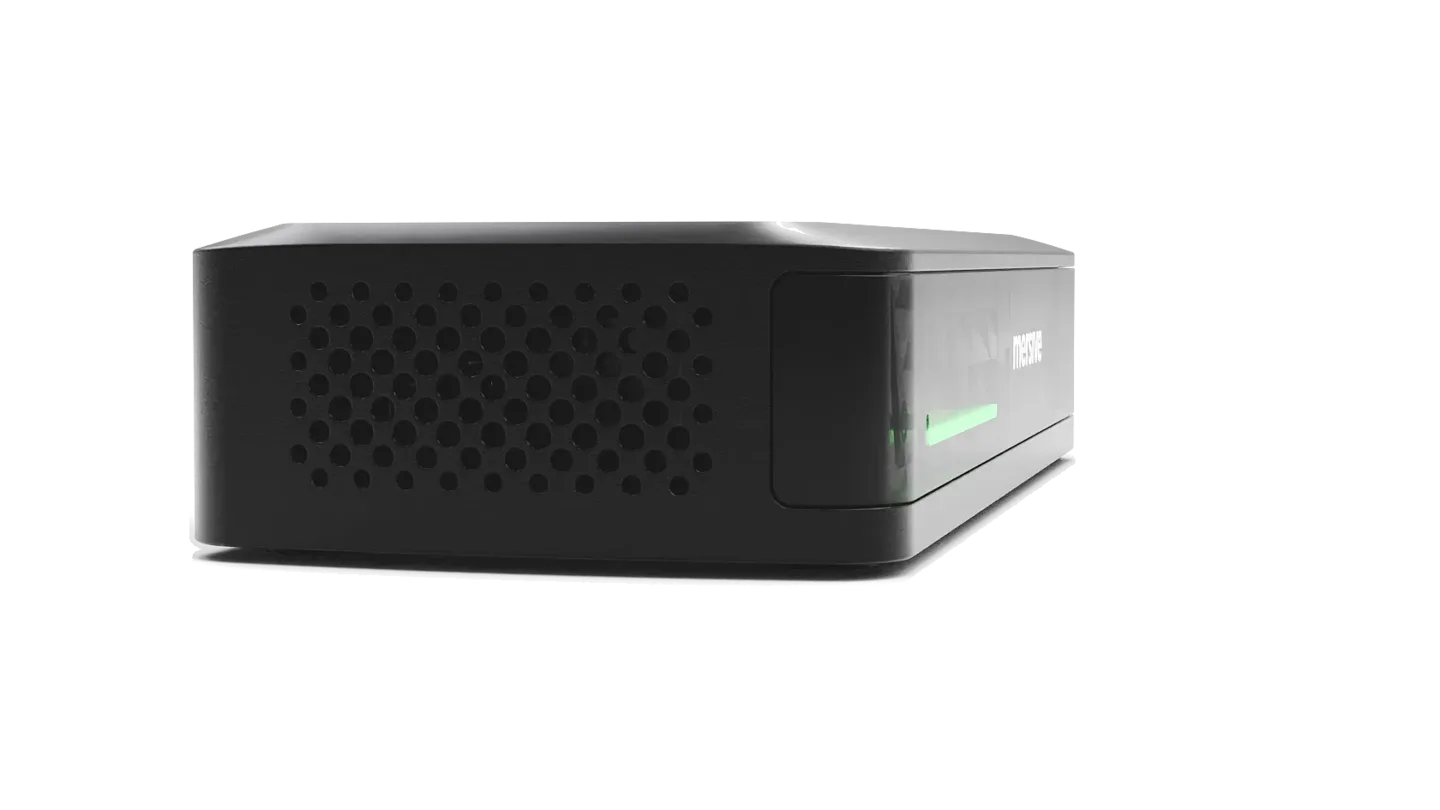
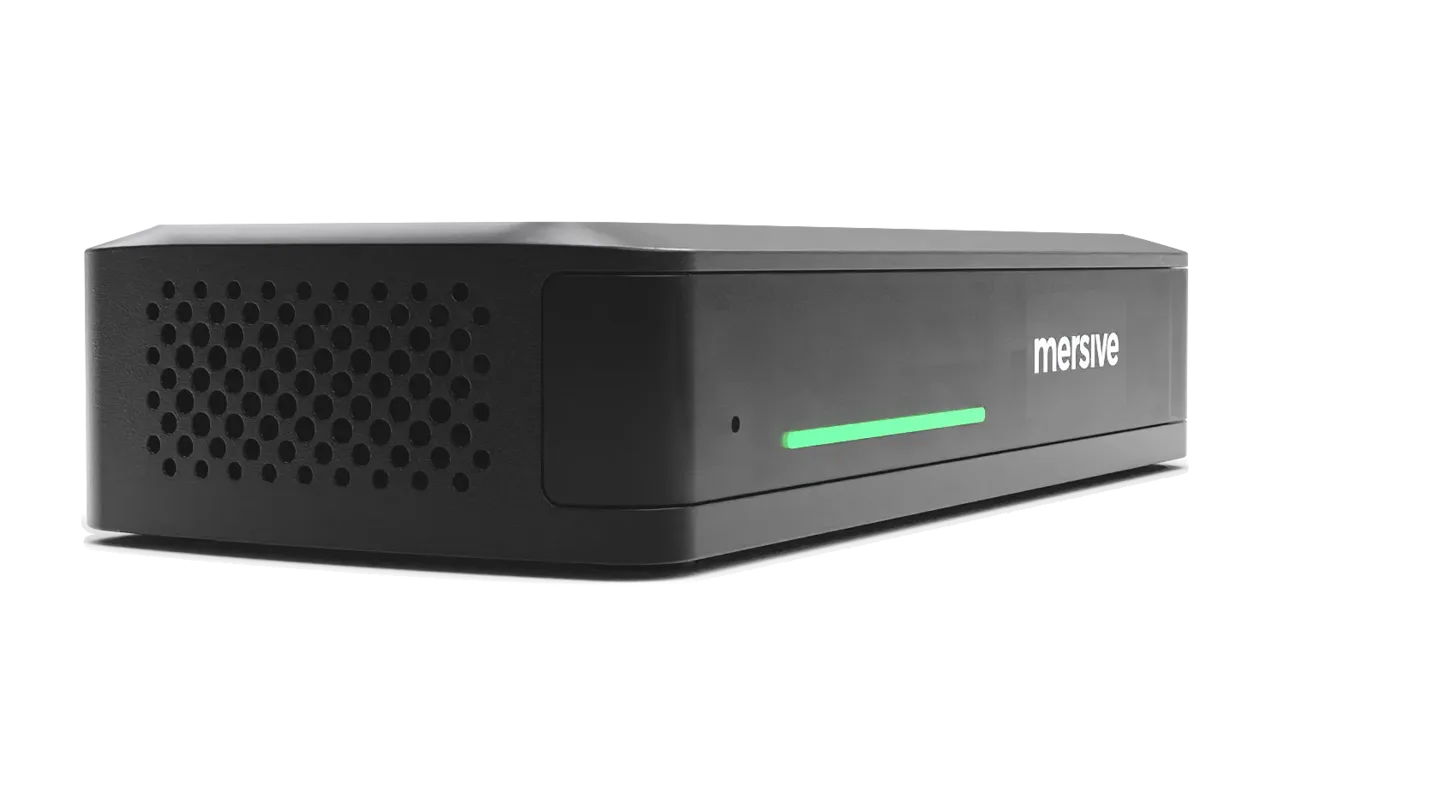
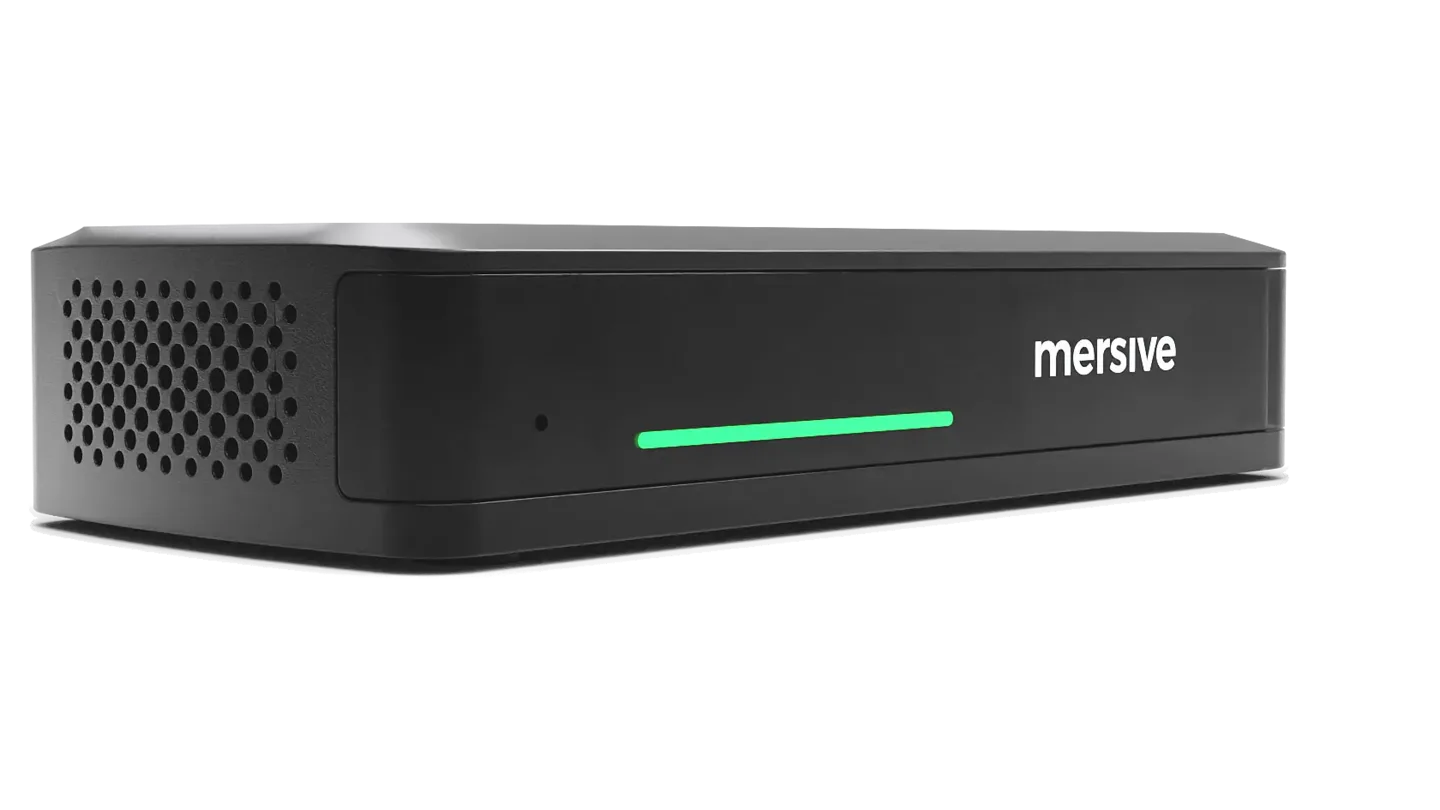
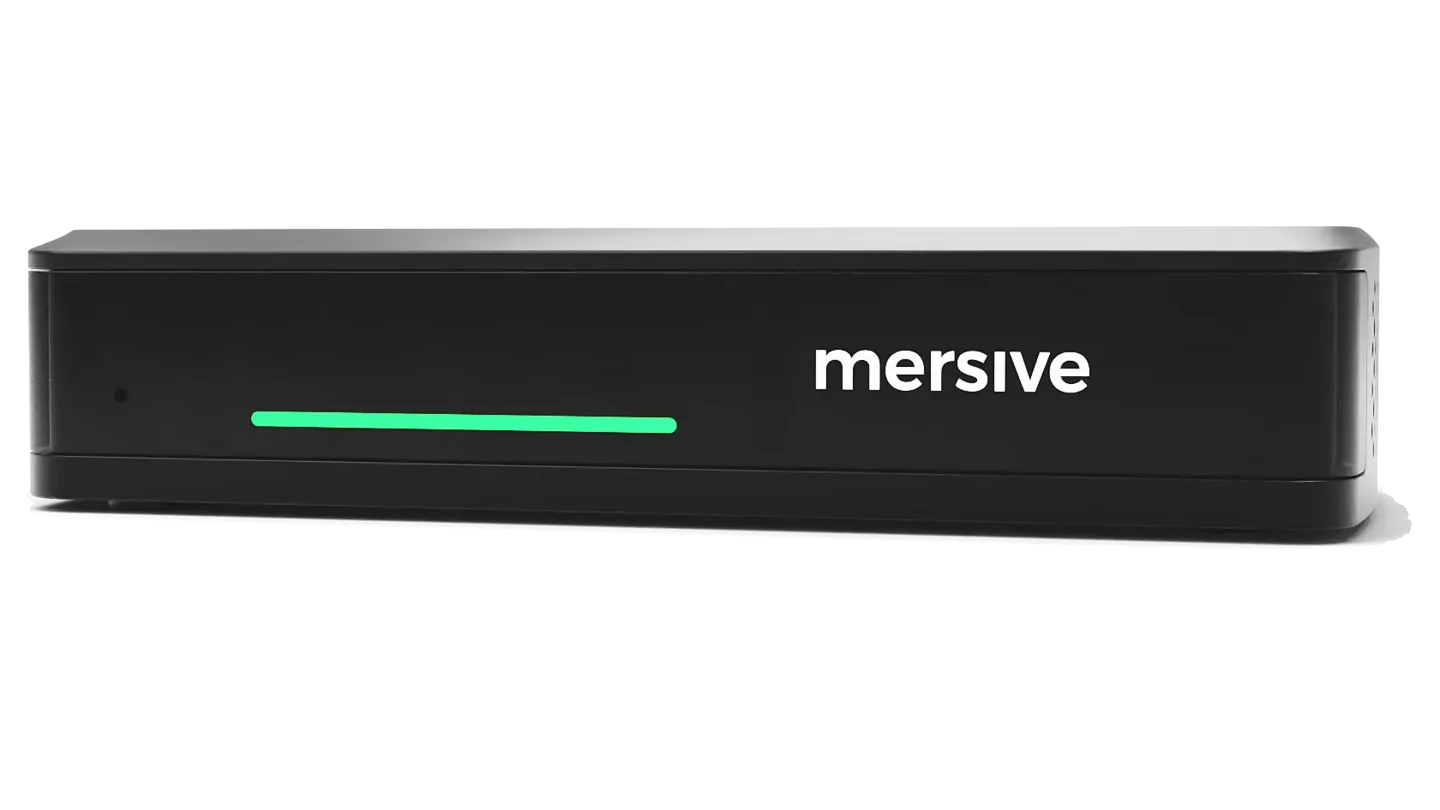
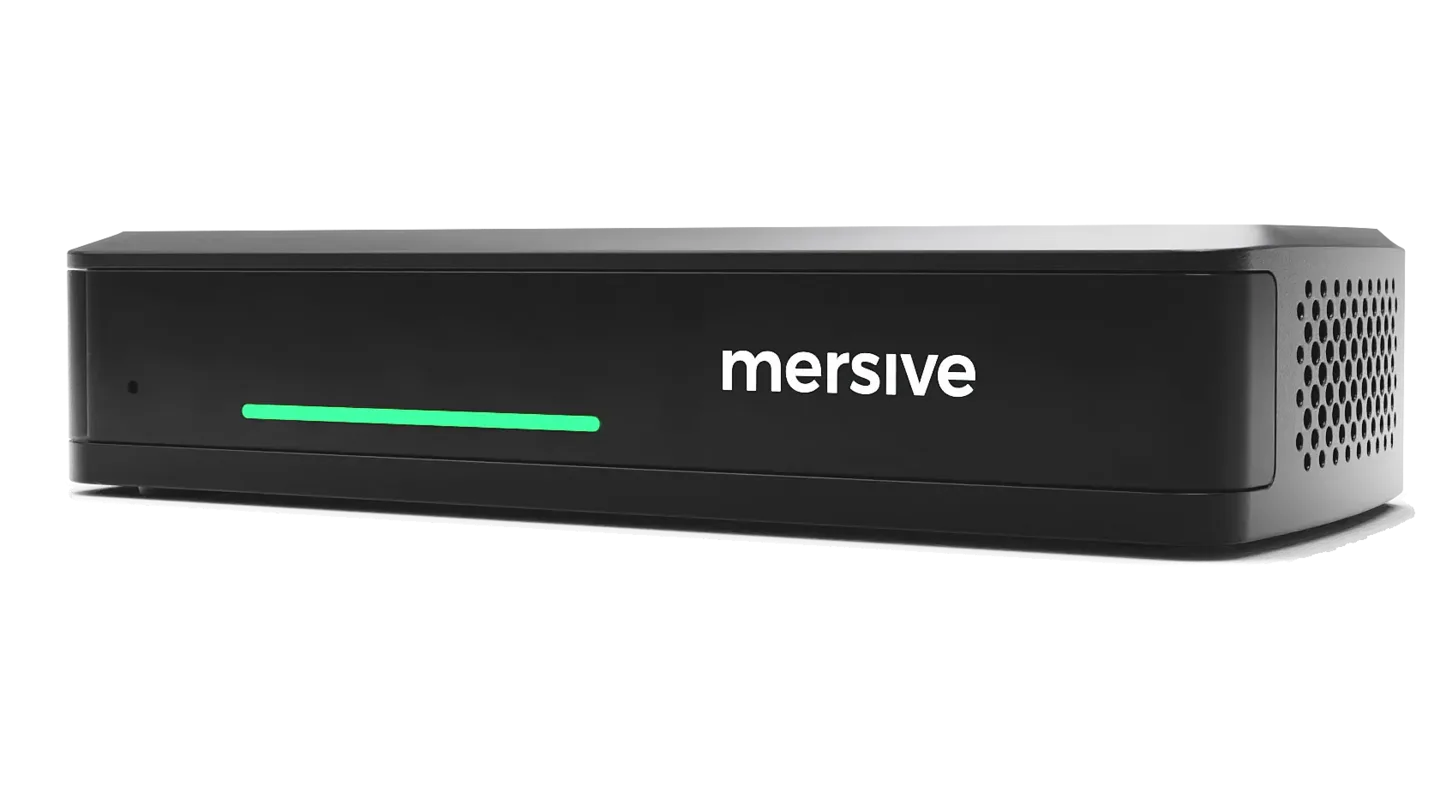
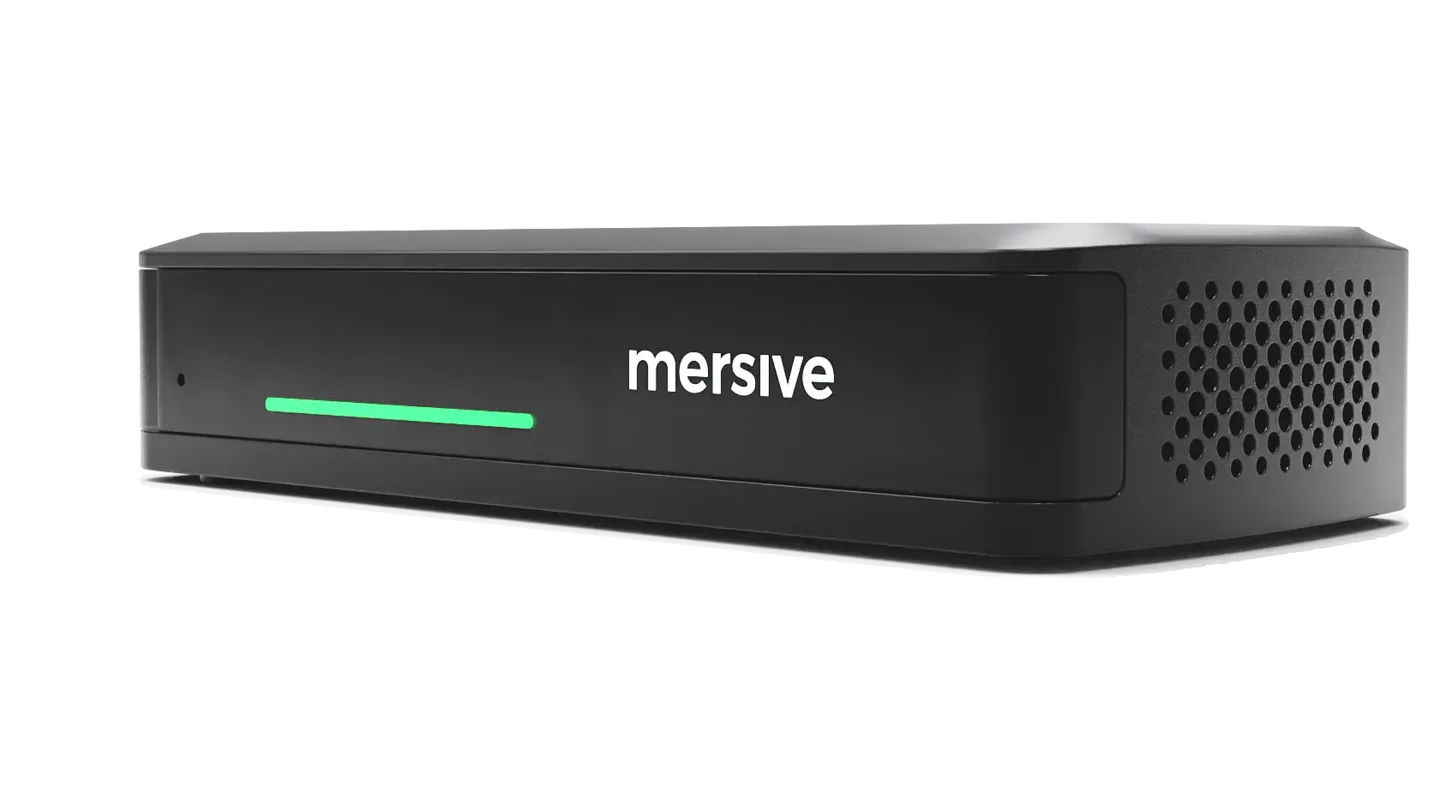
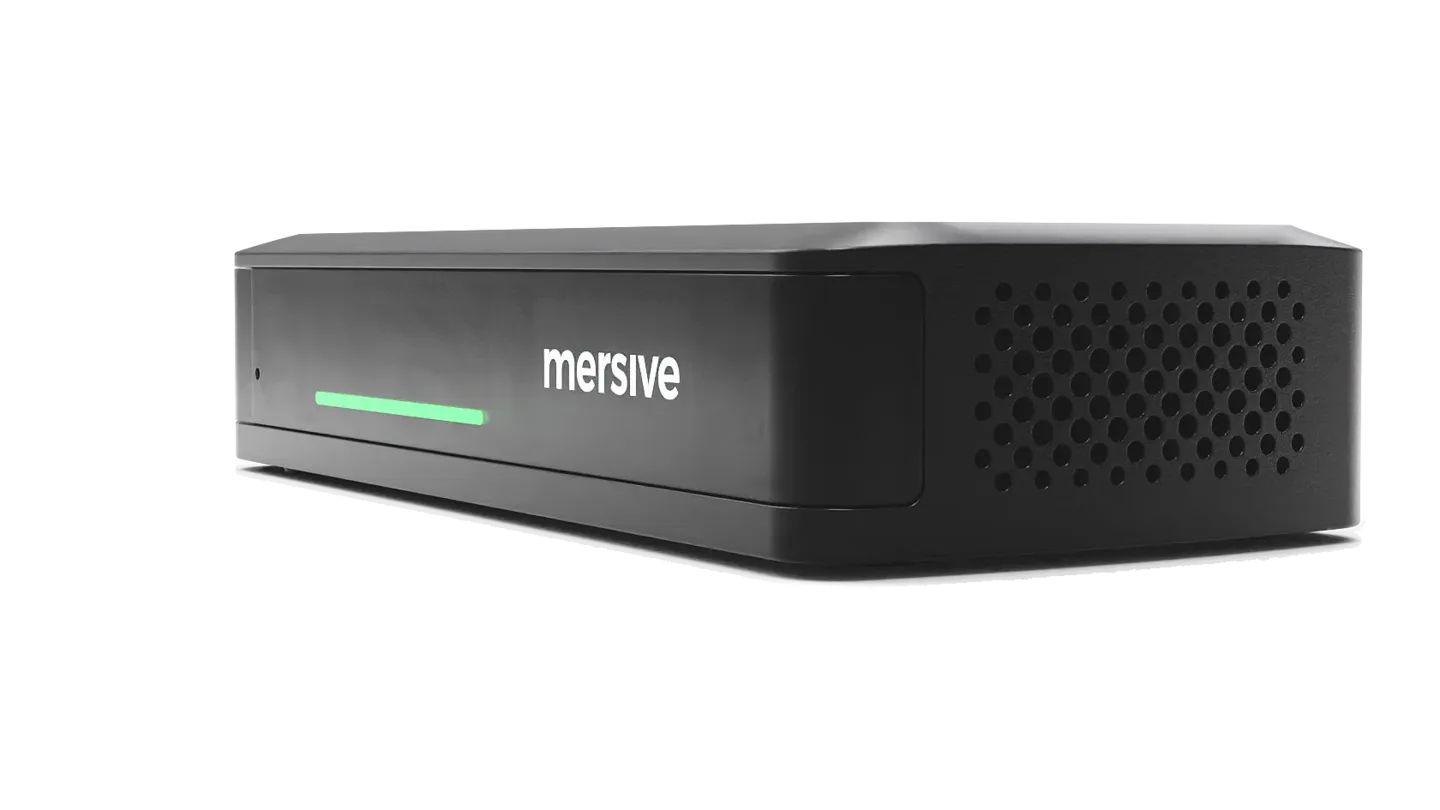
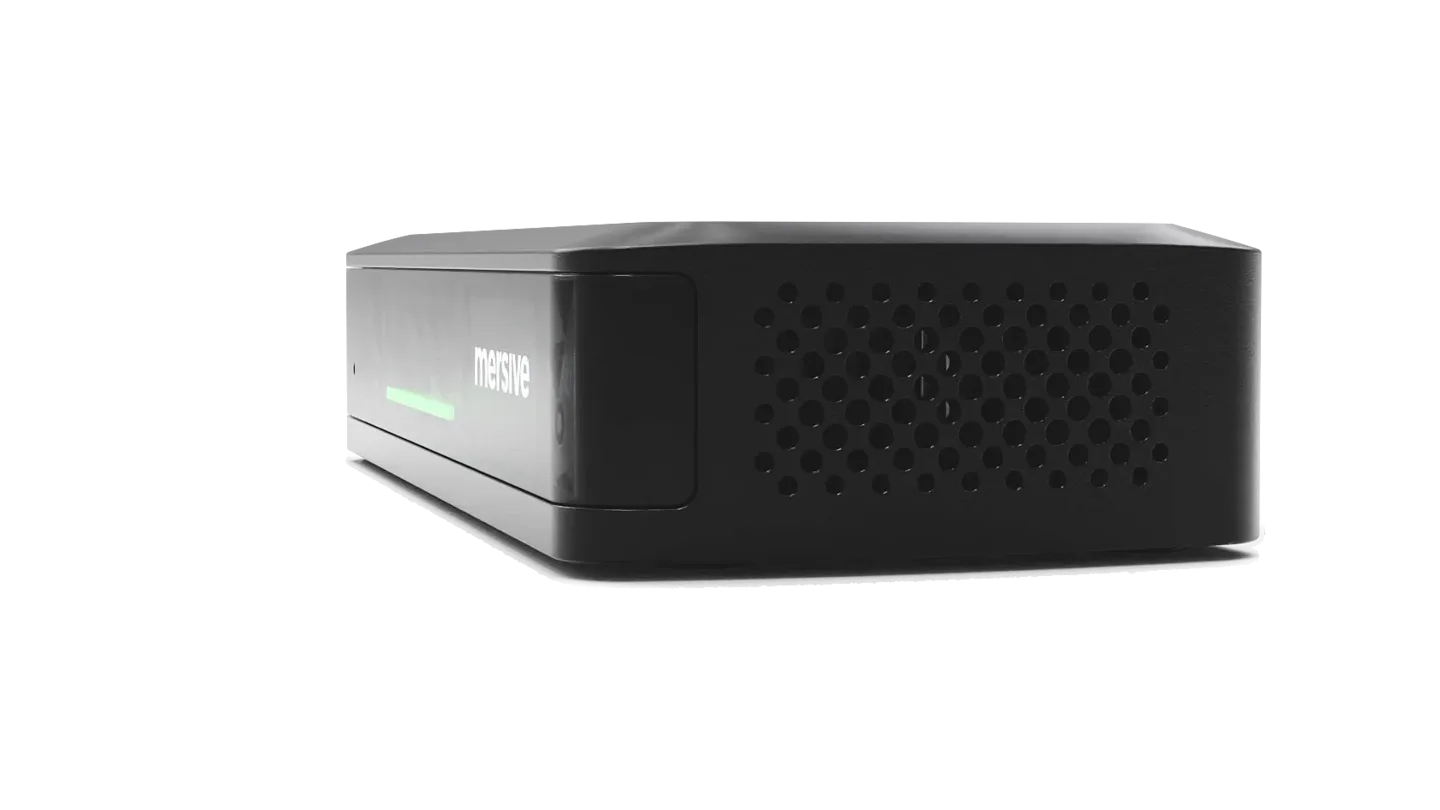
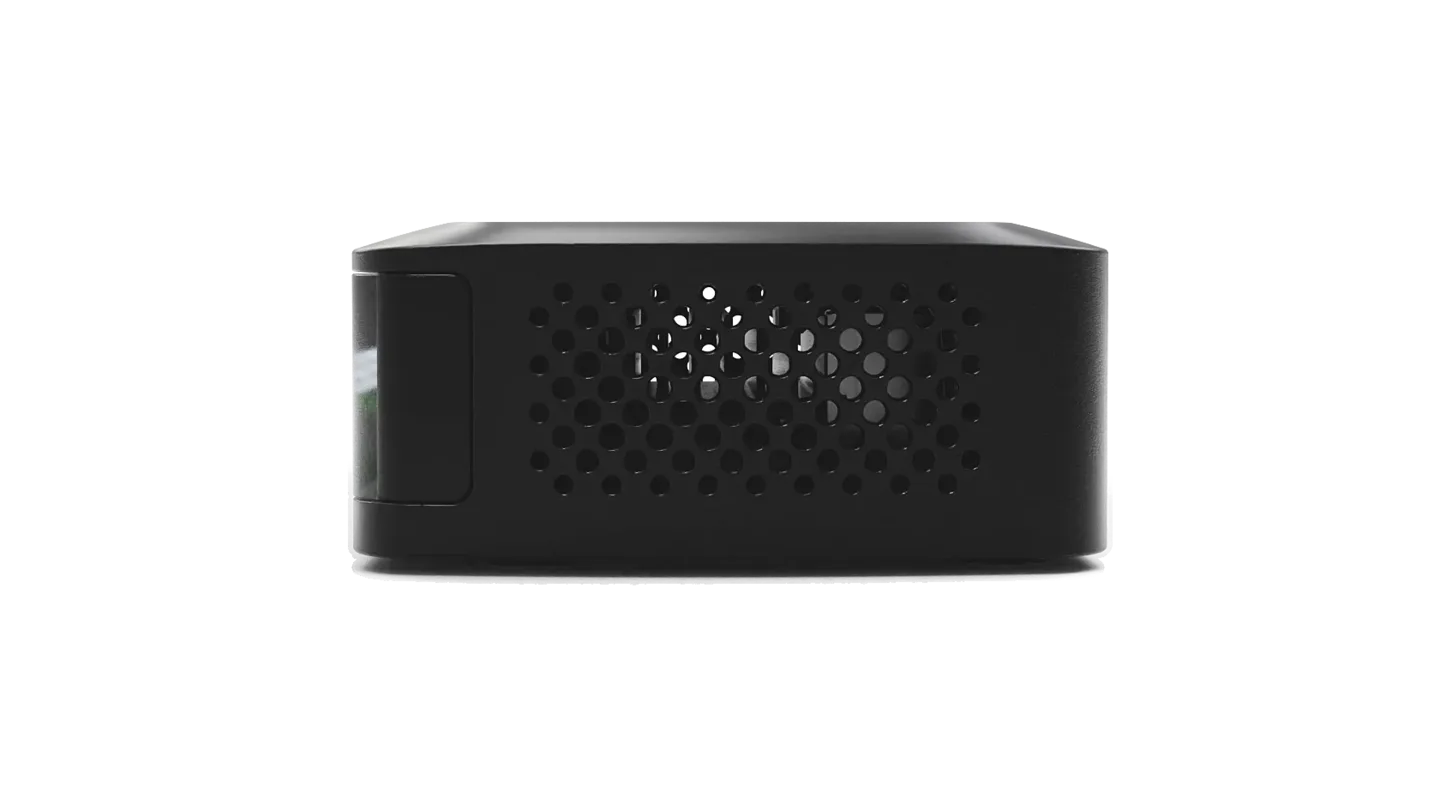
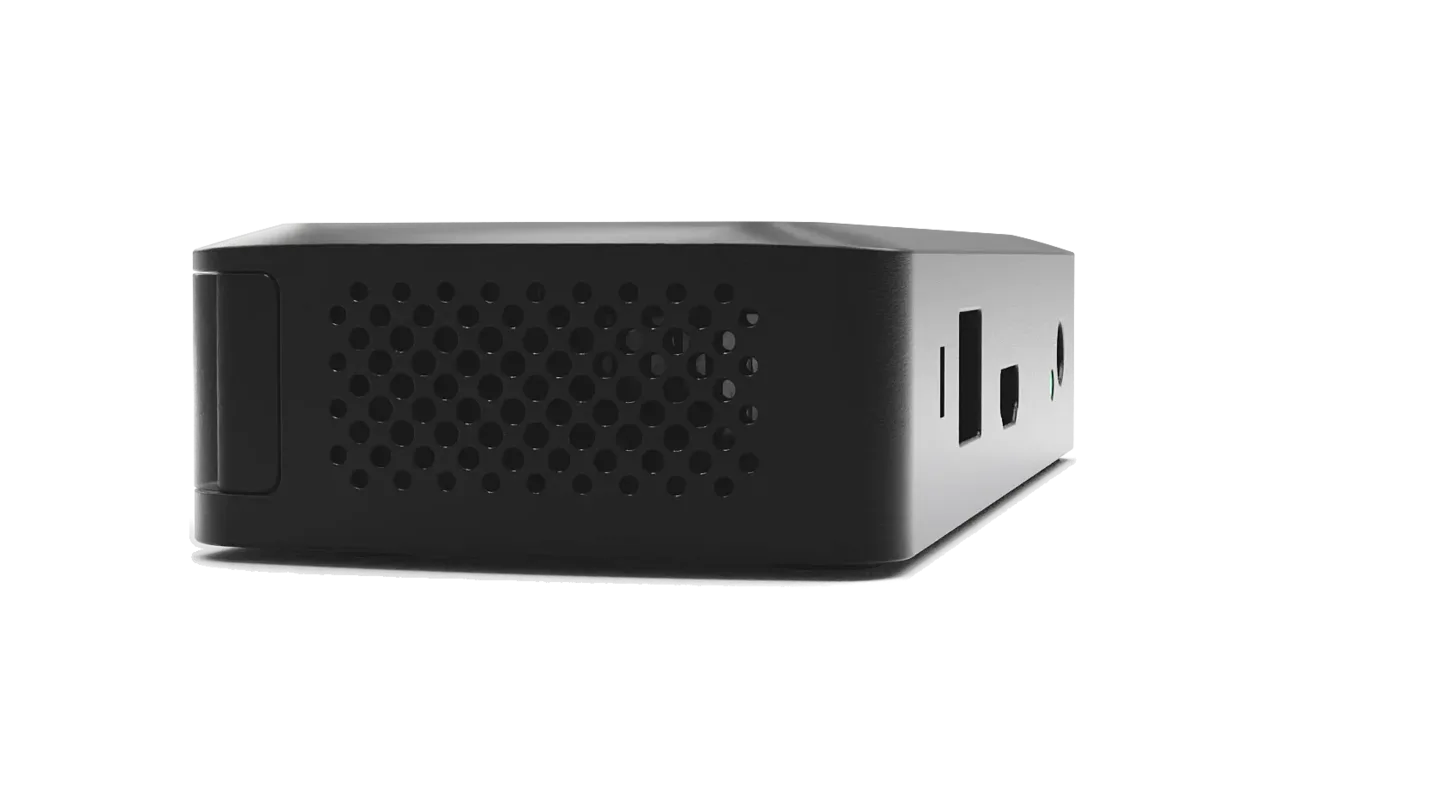
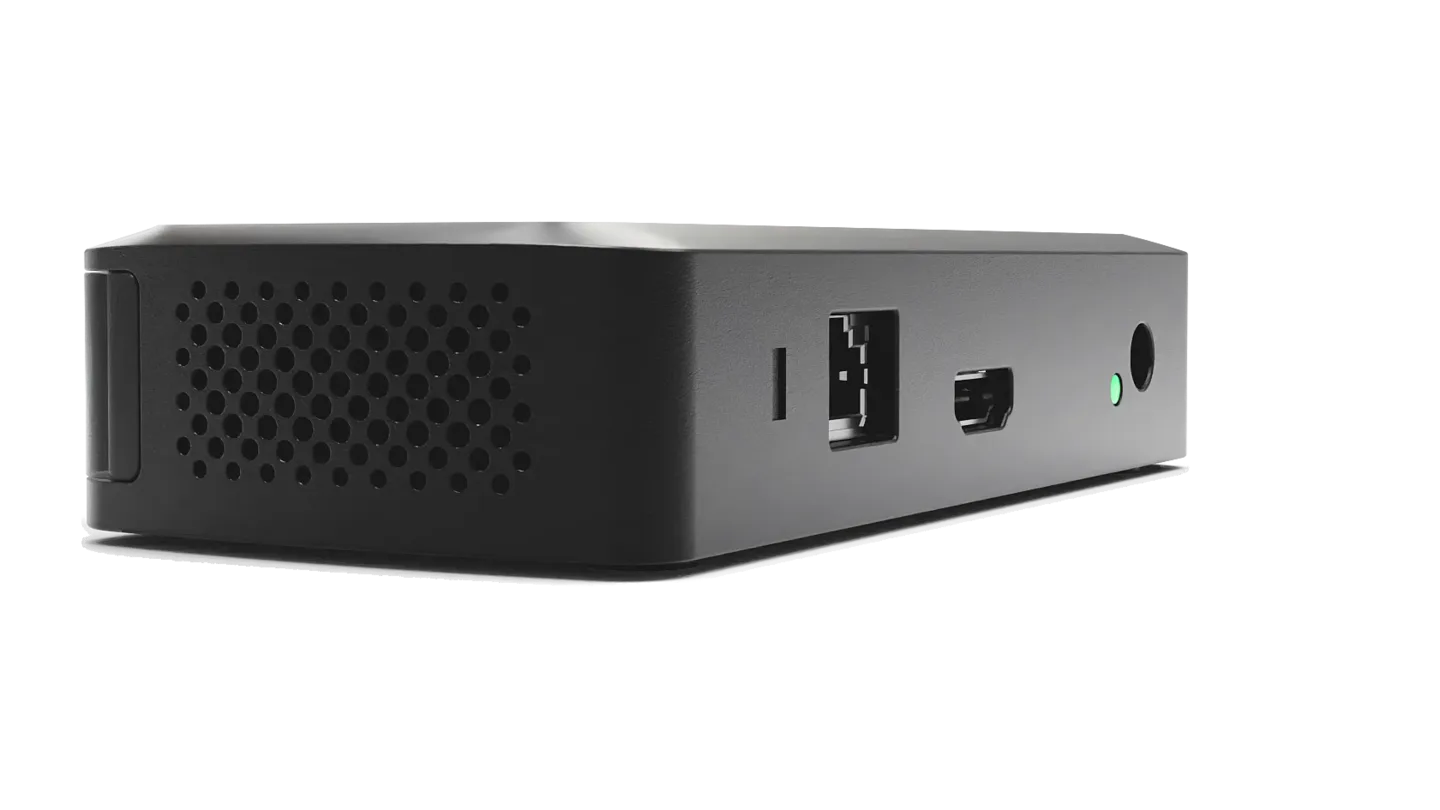
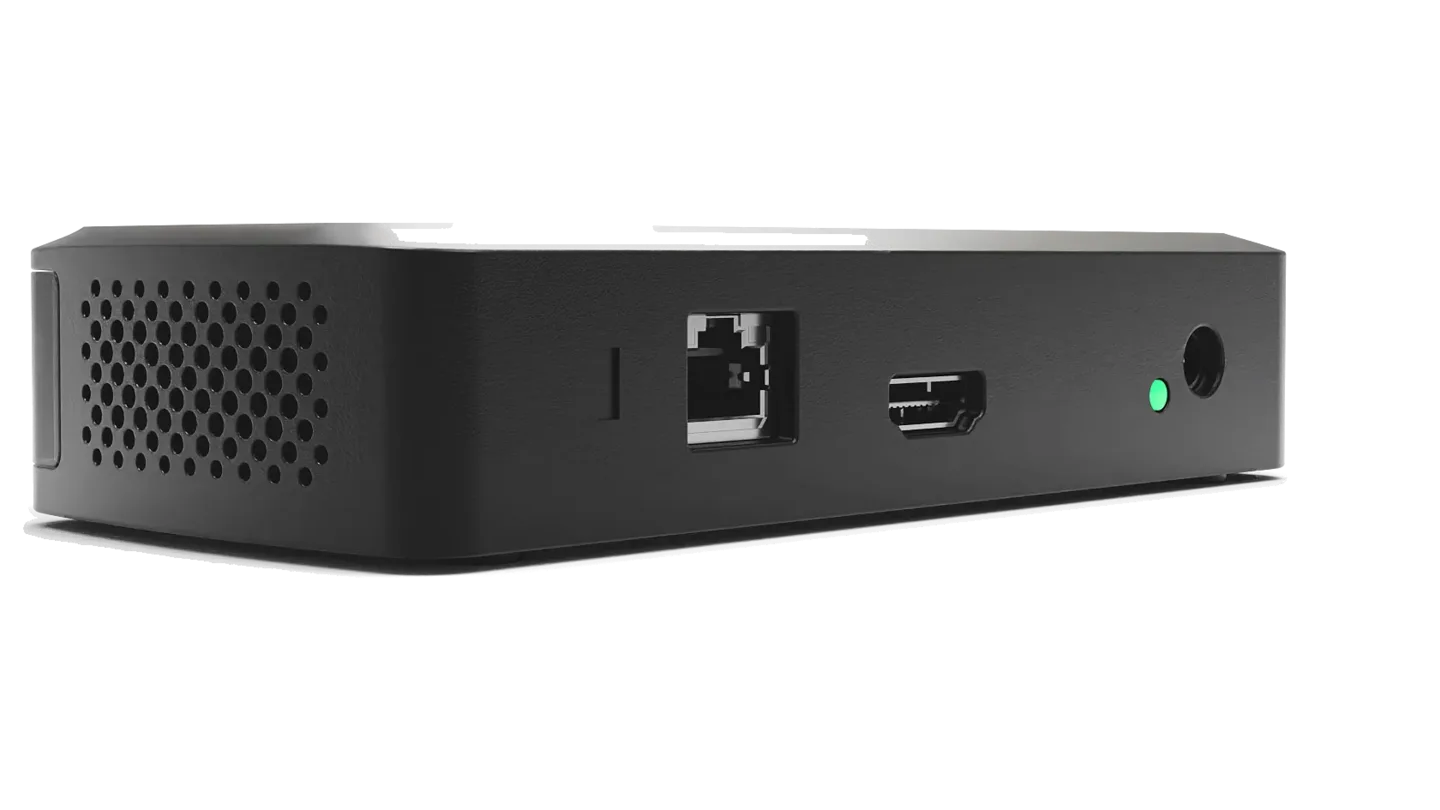
The very same workspace Pro runs, up to 5 live sources side by side on deck, with web-join an' cross-network sharin', in a hull that fits a huddle room, a classroom, or a whole floor o' standard rooms.
Essentials ain't a lite tier, an' it ain't a reduced build: it runs the very same Polaris software as Pro. Every difference between the two be the hull, not the platform: memory sets the share ceilin' at 5 instead o' 10, an' with no USB input there be no room camera to bridge, so wireless BYOM an' Link be Pro capabilities rather than a license away. Same workspace, same cloud, same security posture. Every capability below ships today, aye.
The full multi-share workspace fer all hands
Live sources composited side by side on the display, compared, annotated, rearranged from any seat aboard, laid out automatically as sources join an' leave, up to 5 here, 10 on Pro. The very same workspace Pro runs, so a mixed fleet o' rooms be never a mixed experience.
The castin' paths yer devices already speak, built right in: Apple, Windows, an' Chromebook users share natively on the LAN with zero Mersive software, an' every share lands on the same workspace, side by side on deck.
Every Essentials room joins the same fleet pane as the rest o' the fleet: analytics, firmware, alerts, health, and idle-screen signage, from one login.
The device be tested too, by another crew entirely.
Certifications scoped to a cloud say nothin' about the box on the wall, so the box gets its own proof. Two outside crews have had at it: one over the network, one with the lid off, an' the smaller unit was in scope in its own right.
Independent scan by an outside crew · July 2026
No network attack surface worth the name, matey
An outside firm scanned a managed Pod. The ports that answer be the castin' and appliance functions, and no persistent media listener was enumerable at all, the real-time media path uses ephemeral per-session UDP ports that answer only after ICE consent. There be no standin' media service in the room to probe.
Independent physical attack by an outside crew · May 2025
Both units opened, probed, an' both held fast
The hardware went further than a scan, an' the smaller unit was in scope in its own right: a crew took a Gen 4 Pod an' a Gen 4 Pod Mini in hand, opened 'em up an' attacked the hardware: UART an' JTAG on the debug headers, an attempt to lift the firmware off the flash, a lab man-in-the-middle. No critical, high, medium or low-severity vulnerabilities were identified on either device. Root login over the debug interface be refused outright, with no password prompt even offered; the firmware could not be extracted; an' no personally identifiable information was found stowed on either unit.
Aboard the device
Secure boot, sealed keys, an allowlist an' 802.1X
Secure boot be mandatory on production firmware. The device's own identity keys be sealed into an NXP SE050 secure element, the very same part as Pro. USB access be by allowlist. 802.1X with EAP-TLS makes the room a first-class citizen o' yer NAC rather than an exception in it.
The company, an' the cloud
ISO/IEC 27001:2022 · SOC 2 Type 2
Mersive be ISO/IEC 27001:2022 certified, with no nonconformities raised at the June 2026 surveillance audit, and the Polaris cloud this Essentials unit reports to be SOC 2 Type 2 attested.
Their caveat, which we keep: that does not make compromise impossible, but it would take an adversary o' significant skill and effort. The full architecture, every scope statement and the audit findin's: the Trust Center.
Open specs: nothin' gated
The spec sheet, laid out inline.
The full network an' security posture laid out on the page, includin' what Essentials deliberately doesn't do. That candor be the whole point.
Sharin'4 rows ▾
Specification
Polaris Essentials
Simultaneous shares aboard the workspace
Polaris Essentials can currently carry up to 5 live sources composited side by side
Web-join from the browser: no app, no download, no fuss
✓
Native AirPlay · Miracast · Google Cast (LAN)
✓ all three, built in: cast from Apple, Windows and Chromebook devices on the room network with nothin' installed
Mobile sharin' · phones an' tablets
✓ the Polaris app fer iOS and Android: share yer screen, photos or a live whiteboard, and steer the workspace from yer seat
Network4 rows ▾
Specification
Polaris Essentials
802.1X network authentication
✓ shippin'. The data sheet lists wireless security as WPA2, WPA2 Enterprise or IEEE 802.1X — so an Essentials room authenticates to yer NAC with a certificate exactly as a Pro room does.
Cross-network sharin' (no VPN)
✓ included on every Polaris tier. Cloud-negotiated direct connections; signallin' is outbound-only TLS on TCP 443, so there be no inbound firewall rules to request, and no VPN
Wireless security
WEP, WPA2, WPA2 Enterprise or IEEE 802.1X — take yer pick
Network interfaces
1× 10/100/1000 RJ-45 (a Realtek RTL8211F gigabit PHY), no PoE; MediaTek MT7921: Wi-Fi 6 (802.11ax), 802.11 a/b/g/n/ac/ax, 2.4 + 5 GHz, 2×2 MIMO; Bluetooth (MediaTek MT7921)
Security7 rows ▾
Specification
Polaris Essentials
Encryption on the voyage (in transit)
Signallin' an' fleet management run outbound over HTTPS to Polaris Cloud. The device exposes no TLS listener of its own, so a port scan o' the Mini finds nothin' to negotiate against — the encryption that matters be on the outbound leg, not on an open port in yer room
Secure boot · a secure element
✓ secure boot be mandatory on production firmware, not a settin'; the NXP SE050 secure element aboard holds the device's own identity an' update-verification keys in hardware — the very same part as Pro. The secure-element build assigns an I²C bus per machine an' fails the build outright fer any machine it does not handle, so every shippin' unit, Mini included, has one
A TAA-compliant supply chain
✓ built with Advantech in Taiwan, a TAA-designated country, with the bare printed circuit board the only China-sourced item aboard the build
Signed updates, no downgrade — an' automatic rollback on a failed load
✓ the very same firmware mechanism as Pro, because it be the same distro: update packages be checked fer authenticity an' integrity before they be applied an' a downgrade to an earlier version be refused, while two firmware partitions mean a load that fails to come up returns to the last known-good version
Linux-hardened OS
✓ purpose-built, minimized Linux at the display: no Windows attack surface, no general-purpose desktop, savvy
Physical: a Kensington Nano Security Slot
✓ on the hull
Content protection
✓ HDCP 2.0
Where Essentials stops: Pro waters3 rows ▾
Specification
Polaris Essentials
True wireless BYOM (the room's AV bridged into yer call)
— Pro only
Display outputs
One. Essentials drives a single display; Pro ingests an' drives a pair — Pro only
HDMI input: ingest by cable from a room system or a laptop
— Pro only. The Mini has no HDMI receiver on the board, so this be a hull difference rather than a license
I/O5 rows ▾
Specification
Polaris Essentials
HDMI output
1× HDMI 2.0 out — one display, where Pro drives a pair. 4K (4096 × 2160) at 30 Hz; 1080p an' 720p up to 30 Hz
Ethernet
1× 10/100/1000 RJ-45. No PoE on Essentials — the Pod takes PoE+, the Mini does not, savvy
Wi-Fi radio
MediaTek MT7921: Wi-Fi 6 (802.11ax), 802.11 a/b/g/n/ac/ax compliant, 2.4 + 5 GHz, 2×2 MIMO; Bluetooth (MediaTek MT7921) aboard as well
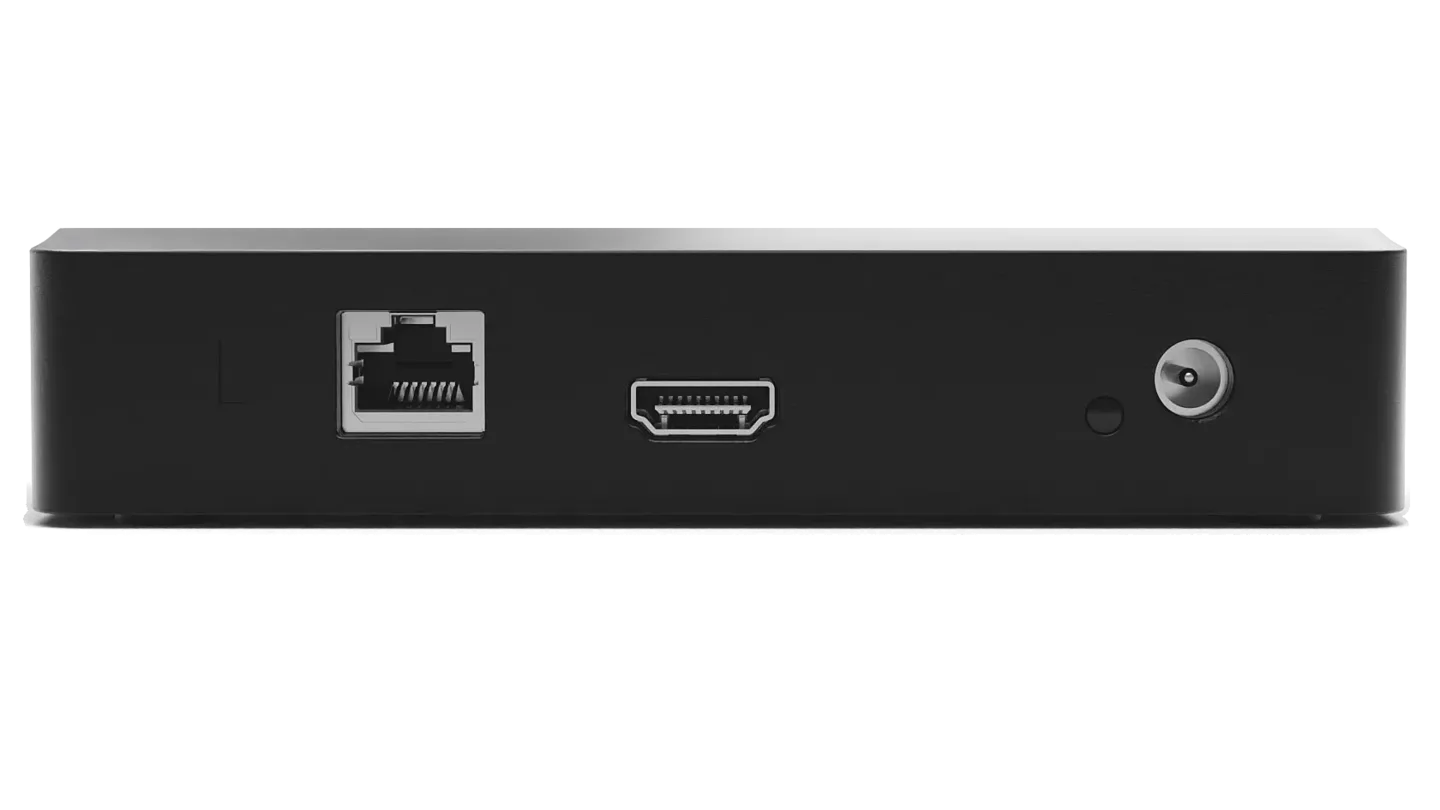
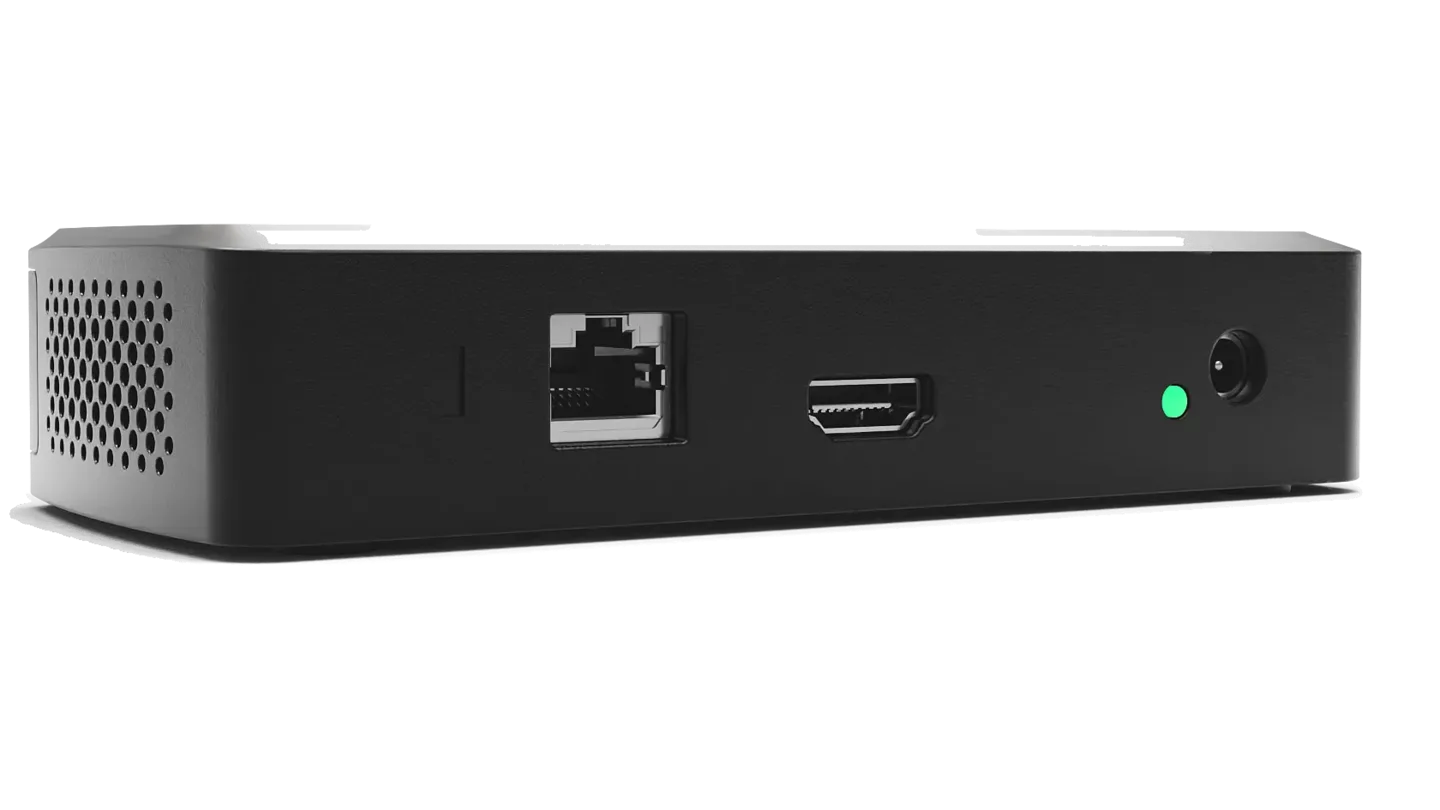
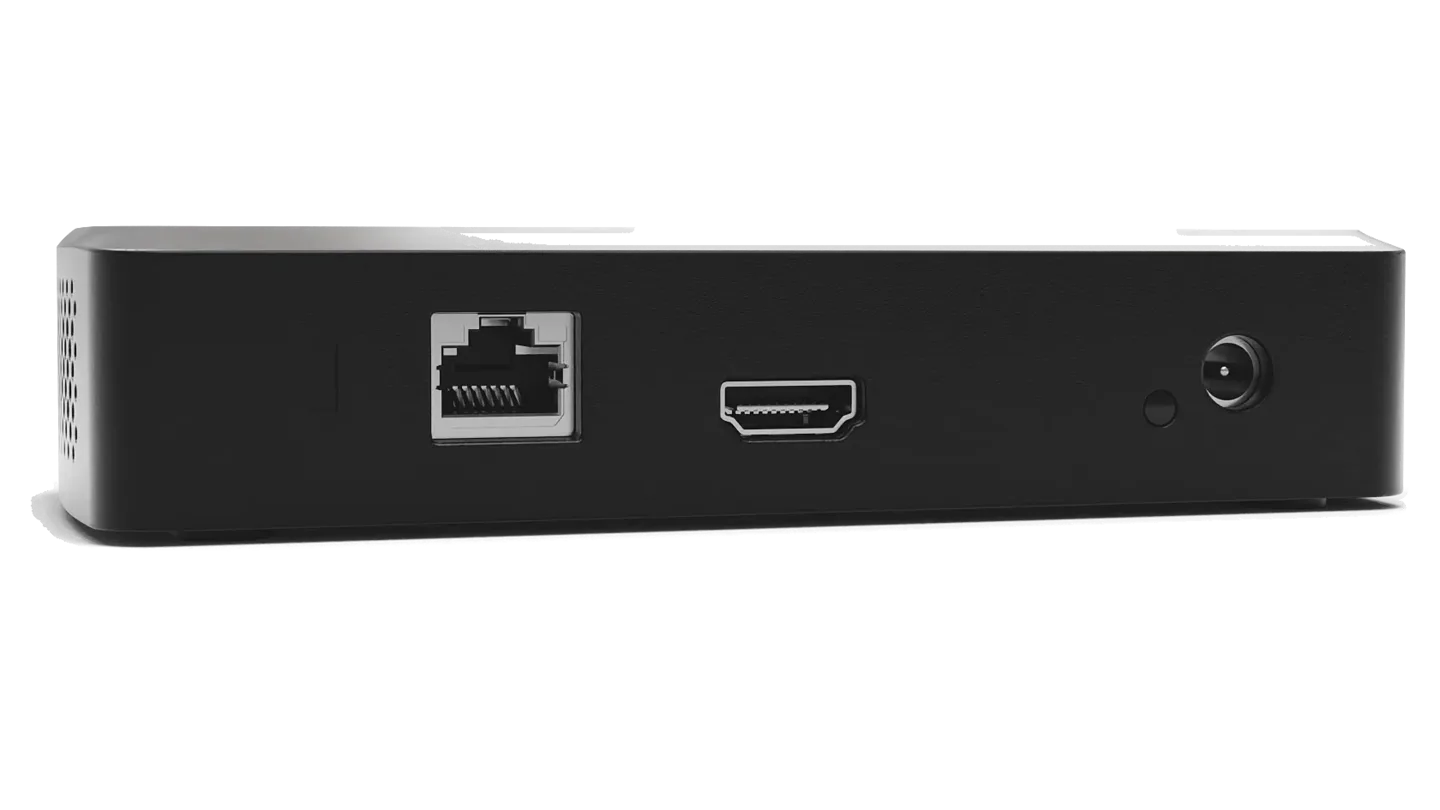
No USB ports, no HDMI input an' no audio-out jack: the rear panel be a Kensington Nano Security Slot, Ethernet, HDMI 2.0 an' DC power, an' that be the whole of it. This be why wireless BYOM is a Pro capability rather than a license away — there be no USB host to put a room camera on
Compute4 rows ▾
Specification
Polaris Essentials
Chipset / SoC
MediaTek MT8370 (Genio 510): an ARM SoC with a Mali GPU aboard
NPU: AI silicon aboard the device
NPU 3.2 TOPS (INT8) in the MediaTek documentation, 6.4 TOPS at minimum precision (INT4), the convention MediaTek uses fer its current Genio series.
RAM · storage
4 GB · 32 GB eMMC: 19 GB available fer storage, the remainder holdin' the system image and the second partition that carries an OTA update and allows firmware rollback
Video pipeline: simultaneous decodin'
H.264 and H.265 encode and decode; VP8 and VP9 decode — the same codec surface as Pro, not a reduced one. Composites into a 4K (4096 × 2160) 30 Hz output; 2+ concurrent 1080p30 decodes required, more supported; the ceilin' be 5 simultaneous shares, set by memory on the smaller hull rather than by licensin'
Power & physical form4 rows ▾
Specification
Polaris Essentials
Power
12 VDC, 2 A, 24 W max from the barrel jack; no PoE on Essentials — the Pod takes PoE+, the Mini does not. The power supply be in the box
Dimensions · weight
58 × 140 × 30 mm. Essentials and Pro be different hulls: Pro is 86 × 184 × 30 mm. Both released data sheets print 150 × 67 × 30 mm and 204 g fer both products, which cannot be true o' two different enclosures; the sheets are bein' reissued
Operatin' environment
Indoor use only, no open decks · 0°C (32°F) to 35°C (95°F) · 30% to 70% RH ambient
Storage environment
-20°C (-4°F) up to 65°C (149°F) · 10% to 90% RH while stowed
Regulatory
FCC (USA) · UL (USA/Canada) · CB Scheme / IECEE (international waters) · UKCA (UK) · CE (EU) · RoHS (EU) · SCIP (EU)
Same transparency policy as Pro: silicon, RAM, an' I/O published right on the page.
Does Polaris Essentials run the same software as Polaris Pro?
Yes. Essentials runs the same Polaris software as Pro: the same workspace, the same cloud, the same security posture. The differences are the chassis, not the platform.
How many people can share at the same time on Polaris Essentials?
Around 5 live sources, composited side by side and laid out automatically as sources join and leave. The ceiling is memory on the smaller chassis, not a license or a reduced build.
Does Polaris Essentials support wireless BYOM or Polaris Link?
No, and it is a chassis limit rather than a license. True wireless BYOM bridges the room's own camera and mic into the call, so the peripherals have to be attached to the pod. The Mini chassis has no USB input. Link is a software bridge between the laptop in BYOM and the Pro, and the Pro is what controls the room's cameras and peripherals. That is why Link needs a Pro.
One. Polaris Essentials drives a single display, at DCI 4K, 4096 x 2160, at 30 Hz; Polaris Pro ingests and drives two.
Can a guest share from another network without a VPN?
Yes. Cross-network sharing is included on every Polaris tier, Essentials included. Cloud-negotiated direct connections, with outbound-only TLS signaling on TCP 443: no VPN, and no inbound firewall rule.
When a room outgrows Essentials: Polaris Pro adds true wireless BYOM conferencin', HDMI input an' twin 4K60 output: same platform, same muscle memory, so steppin' up be a pod swap, not a forklift. Cross-network sharin' be on both. Step up to Pro →
See it in yer own rooms
Hardware trials set sail fer every product, straight from Mersive. When the rooms prove it, we introduce yer regional partner fer the rollout.
Rogue signals be jammin' the airspace above the room. Ye're the pod — clear the channel. Jammers rain static, splitters multiply, and every fourth wave the FIREWALL sweeps in. Downed signals drop powered displays: relay shield, dual beam, the piercin' LANCE and the wide-angle SWEEP.
signals cleared: 0 · wave: 1 · link integrity: 3 · best yet: 0
Jupiter · workspace riggin'
WORKSPACE STACK
Shares keep comin'. Compose the workspace — complete a row and it renders to the display. Hold a piece fer later, trust the ghost, and slam it home when ye're sure.
score: 0 · lines: 0 · level: 1 · best yet: 0
Mars · canyon relay
RELAY RUN
Aliens are looting Earth's audiovisual gear, and someone has to invoice them for it. You're the AV Integrator: fight through three decks of their freighter, shoot the capsules open, and take the equipment back — HDMI becomes a Blaster, a Display fans into Multicast, Coil fires Fiber, a Speaker is pure Subwoofer. Switches level your weapon, Surges take one hit for you. Snatchers steal; make them regret it. A boss holds every deck.
score: 0 · mission: 1/3 · best: 0
Pluto · deep-network upkeep
PACKET MUNCHER
Somethin' be nestin' in the farthest switch fabric. Run the corridors, eat every stray packet, and mind the four interference glyphs — each hunts its own way. Grab a powered display and, fer a few seconds, the hunters become the hunted. Ten sectors between ye and a clean network.
score: 0 · sector: 1/10 · lives: 3 · best yet: 0
Venus · the broadcast campus
SIGNAL JUMPER
Ten displays across the broadcast campus went dark, and the interference be strollin' about like it owns the place. Run the loadin' dock, the cable trench, the rooftop, the mezzanine and the antenna tower, then push on through the uplink yard, the static fields, the rack canyon, the microwave bridge and master control — stomp the glyphs flat, bank the signal bits, bump the cache blocks, plant the midpoint flag, ride the ferries, and touch every display back to Polaris green. Game over offers a CONTINUE from the top o' the level that beat ye.
The campus's flagship display was stolen and walled up in a fortress beyond the north-east mesa. Cross a hundred screens o' field, woods, river and dead server yard, crimper in hand — find the two small keys, mind the spikes, arrows and false floors, put five strikes into the CRT TYRANT's open screen, and raise the display where it belongs. Five hollow caves hide heart containers, and the RELAY TOWER on the south-west shore keeps the MERSIVE POLARIS — press X to grab what's in front o' ye, or to send the puck flyin' out and back.
The dongle users be pourin' out o' the rings in formation: HDMI drones, button wingmen, and the big conference pucks runnin' the show. Hold the line in the Polaris fighter. They swoop in, regroup, breathe, and dive. Mind the boss pucks' PAIRING BEAM — get caught and yer fighter is theirs. Shoot that boss down mid-dive and yer fighter comes home to fly beside ye: DUAL FIRE. Every fourth wave be a demo stage — pure flyin', pure bonus, PERFECT if ye drop every last one.
score: 0 · wave: 1 · lives: 3 · best yet: 0
Mercury · the night side run
SOLAR CIRCUIT
A run cut across Mercury's night side, Point A to Point B, against the clock. The sun never sets here and never rises either — it just sits on the horizon throwin' its corona up the sky, and everythin' ye can see is either lit by it or hidin' from it. The route opens wide and fast, closes to a canyon barely three lanes across, climbs, and falls away again, four stages of it. Keep it on the basalt: the regolith either side will drag ye down and take yer speed with it. Stay clean and the craft keeps findin' more — the longer ye hold the line, the faster it'll let ye go, and the yellow pads be how ye get there sooner.