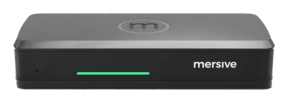
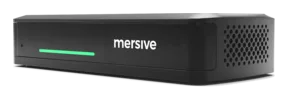
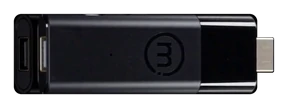
Meet Mersive Polaris, matey: wireless screen sharin' from any browser.
One platform turns every display into a shared workspace fer the whole crew: joined from a browser, BYOM an' client agnostic, managed from one cloud.
Glass. Workspace. Cloud.
Three layers, one platform: the display renders, the workspace composites, the cloud connects an' manages. Open up any layer fer the plain-spoken depth, savvy.
- JoinDevices dial out to Polaris Cloud, which authenticates 'em, resolves the screen key, and trades SDP and ICE.
- ConnectThe cloud makes the introductions, then steps aside. Media sails on direct links to the pod: in the room it never leaves the buildin', and from outside it never touches a VPN.
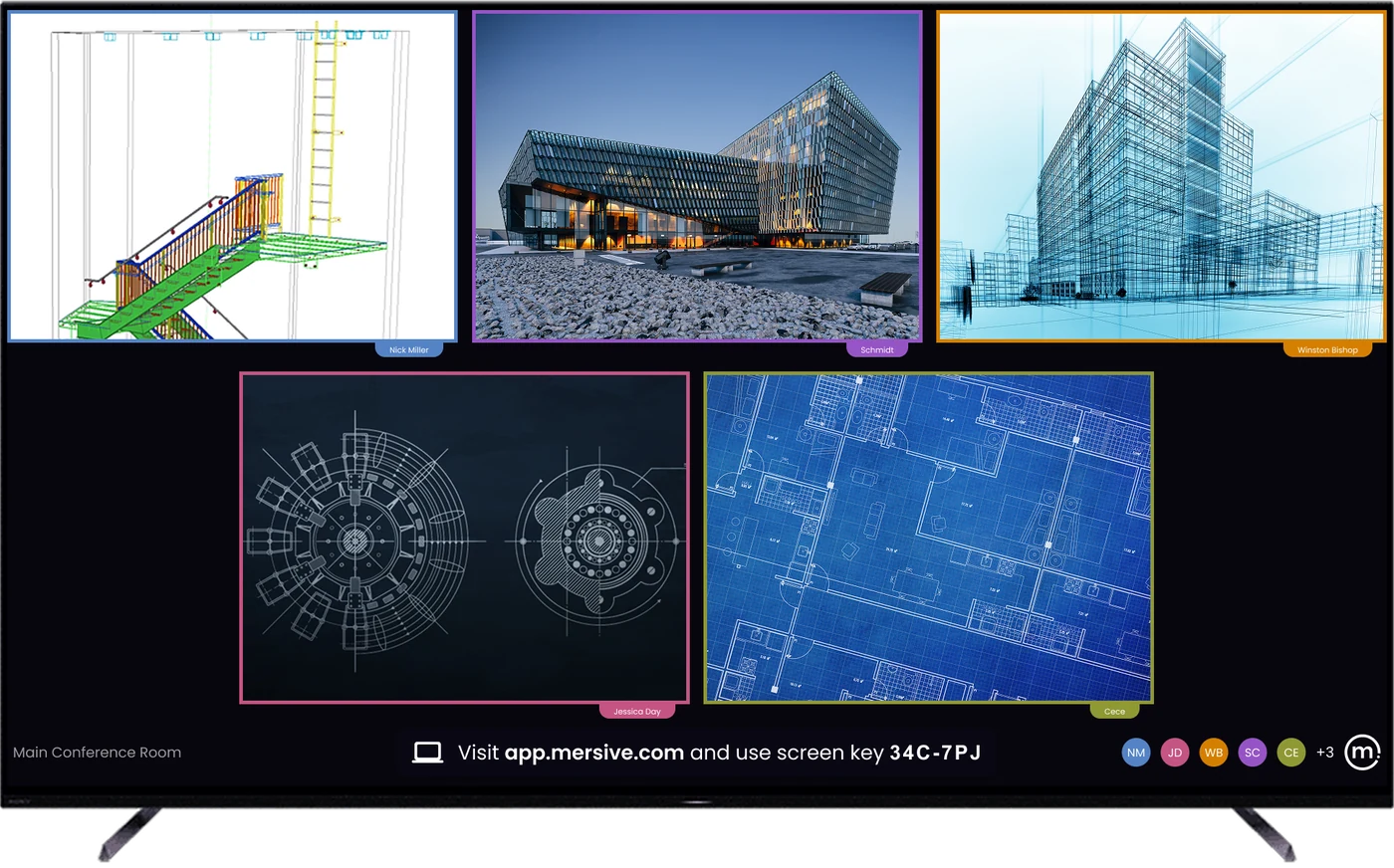
- ComposeShares land side by side on the display as one workspace, and the selfsame workspace renders live in the browser fer every soul who isn't in the room.
Layer 1 · down in the roomThe glassAny display becomes a Polaris endpoint: meetin' room, classroom, lobby wall, aye.
+ more
The display stops bein' a destination ye cable into an' becomes a renderin' target: the Polaris device behind it draws whatever the workspace tells it to draw.
- Any display qualifies. The panel ye already own, driven by a Polaris device behind it: no smart-panel firmware to lean on, no vendor-matched displays.
- In Polaris Pro rooms, the AV plugs in right here. Camera an' mic cable into the Pro device, so meetin's can borrow 'em wirelessly.
- Idle displays still earn their keep. When no one be sharin', the same display runs signage, managed from the same portal. Signage →
Layer 2 · the unit o' workThe workspaceEvery share, side by side, composited live, fed from any device, in the room or far across the water.
+ more
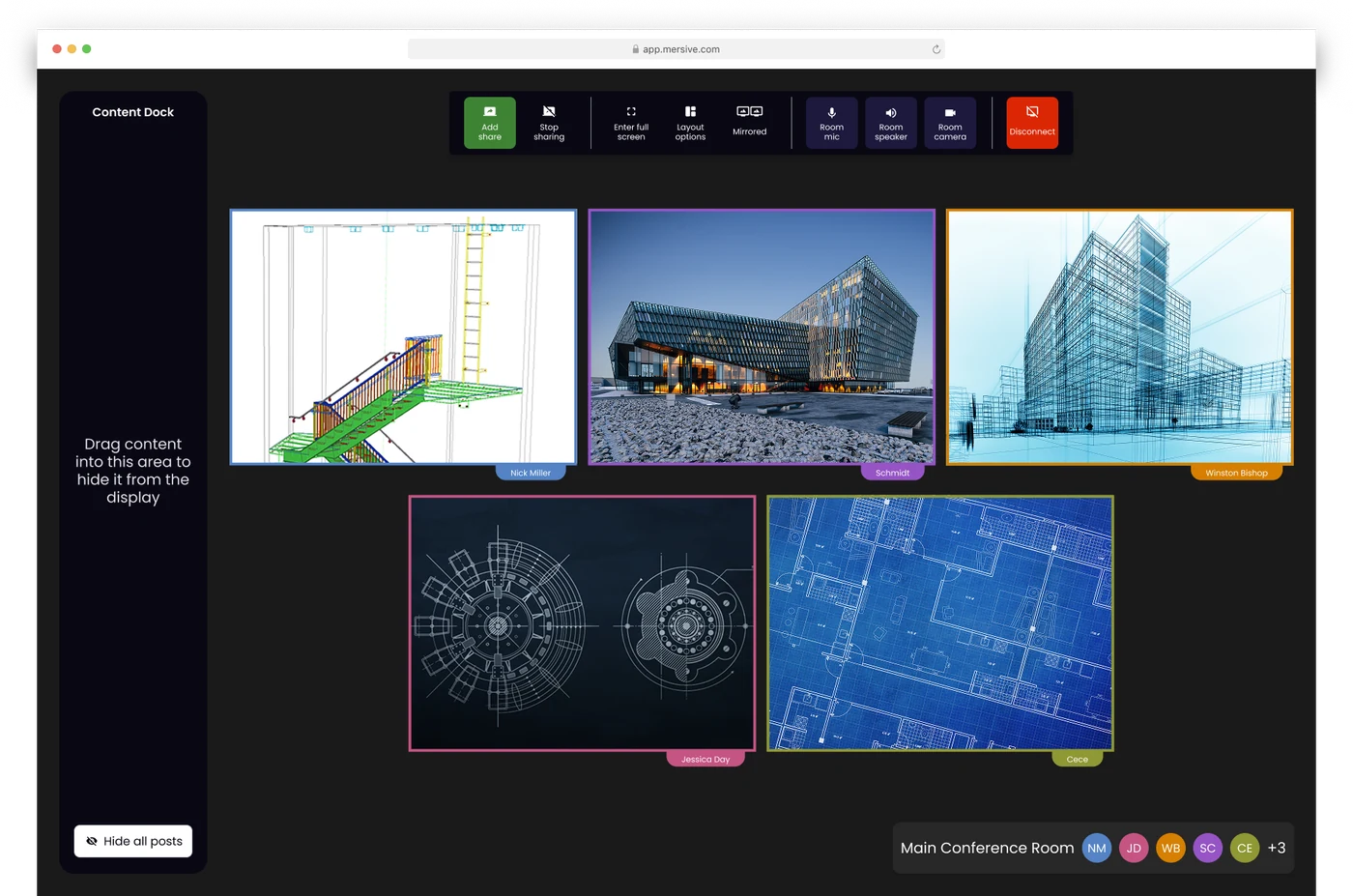
The workspace be what makes the display worth lookin' at: not one mirrored screen but a composited canvas o' simultaneous sources, mirrored live to every participant signed in at app.mersive.com.
- Multi-source, live. A deck o' slides from a laptop, a guest's browser tab, photos from a phone, a dashboard from another buildin': side by side, rearranged from the Dock.
- Any device feeds it. Native share or web-join from the browser; sources from other networks sail in via cross-network sharin'.
- It belongs to the room. The workspace be rendered by the room's Polaris hardware, not by whichever laptop happens to be open, so shuttin' a lid does not end the meetin'; it just removes the content from that device while everythin' else stays exactly where it was.
Layer 3 · above the whole fleetThe cloudRoutes every workspace, manages every room: one admin plane fer the whole fleet, like a captain's chart.
+ more
Polaris Cloud does two jobs: it introduces sessions (the signalin' that lets endpoints find each other across networks) an' it runs the fleet, which be conference room management fer every room an' screen ye own.
- Session brokerin'. Devices an' displays find each other through the cloud; same-network traffic stays on yer LAN; cross-network traffic flows over a WebRTC direct, encrypted connection the cloud negotiated.
- Conference room management. Bulk config, templates by room type, staged firmware, analytics an' health alerts, fer meetin' rooms an' signage alike, from one login. Polaris Cloud →
- What it doesn't do. Store yer workspace content. The candid data-path story be told in the Trust Center.
How to share yer screen from a browser
Sharin' from the browser needs no app, no downloadin', no installs an' no admin rights; ye share to the room display from a browser tab. A guest who just walked aboard can share, an' there be no client to package, approve, patch, or manage.
Four steps, zero software, savvy:
Web-join works on any device with a current browser, Chromebooks an' locked-down loaners included. Phones share through the Mersive app or the native protocol.
The 6-character key be on the display. Every key be globally unique an' expires ten minutes after it's issued.
Yer share lands in the workspace next to everyone else's, composited live, not queued behind a presenter.
Layout, participants, handoff, end meetin': the room's controls live in the same browser tab ye joined from.
Web share be the front door. It isn't the only door, mind.
The workspace takes whatever the room brings aboard. Web-join be the predominant path, but native castin' an' the Mersive mobile apps land on the same display, an' they all composite together.
The browser share: no install, cross-network, guest-proof. The predominant path, matey.
Share and control from the phone in yer pocket. iOS & Android.
An HDMI source joins the workspace as a tile by default, matey. Direct bypass takes the glass full screen and keeps that feed in the room.
Native Apple sharin': no Mersive software on the device.
Native Windows sharin', straight from the OS.
Chromecast from Chrome and Android: the Chromebook classroom's native passage.
Everyone sees what the display shows, all hands alike.
Meetin' parity (what remote participants see): every source shared into the room be delivered to everyone who joined at app.mersive.com, an' the layout travels with it. Order, focus, full-screen an' position stay in step, because the room an' every browser run the same layout code.
So a remote seat reproduces what the display shows at its own screen's resolution rather than watchin' a video o' the room's screen. No cranin' at the display, no “can ye re-share that,” no second-class seats.
Polaris Pro has two wired HDMI input modes, chosen by yer room administrator. Workspace tile be the default: the input joins the workspace alongside wireless shares and be visible to remote crewmates. Direct bypass (full-screen pass-through) sends the input straight to the room display, outside the workspace. Remote crewmates do not receive that feed.
Where a panel stops an' the room silicon takes the helm.
A workspace be a compositin' problem: a roomful o' people sharin' at once means many simultaneous decode sessions rendered into one layout, an' bridgin' yer meetin' to the room's AV adds real-time encode on top.
That takes purpose-built silicon, not a display's spare cycles, savvy.
Around 5 simultaneous shares on Essentials an' 10 on Pro. 'Tis a memory ceilin' on the chassis, not a license: nothin' in the software counts sources or refuses one, so the limit be what the silicon can hold, an' the two tiers run the same code.
What this buys ye in the room: a panel's composite stays on its own glass; Polaris encodes the whole meetin' out to every participant, an' Polaris Pro keeps enough encode headroom to hand the room's camera an' mic to yer Teams, Zoom, Webex, or Meet call.
Evaluatin' Polaris? Start with these four reads, cap'n.
Cross-network sharin'
Content crosses subnets, VLANs, an' the open internet: no VPN, no UC call. O' the twelve competitors we checked in August 2026, exactly one documents a comparable off-LAN path, an' it wants two ephemeral port ranges, XMPP an' STUN/TURN/ICE, with signallin' hosted in Azure West Europe. The other eleven document LAN-local media only.
The flagship deep-dive, matey →Security architecture
The trust chain, network posture, an' update policy: the ten-minute read yer security crew actually wants. Nothin' gated.
The Trust Center, ahoy →Where meetin's live
Two questions classify every room ever built. This grid be the chart, an' Polaris be the only platform we know of holdin' all three agnostic models.
Where meetin's live →Hybrid meetin's
BYOM today, hosted-BY-the-room next: how the meetin' leaves the laptop fer good, with native clients, chosen per meetin'.
The hybrid fleet →Also: the 10-year platform an' its invariants · the tier table · Polaris Cloud · the 10-year reckonin'
See the platform live, matey.
Hardware trials set sail fer every product, straight from Mersive. When the rooms prove it, we introduce yer regional partner fer the rollout.
Start yer trial Spy it on YouTube ↗